



| Model | Size | Resolution / Refresh Rate | Panel | Brightness | Contrast Ratio | Ports | Stand | Speaker | Warranty |
|---|---|---|---|---|---|---|---|---|---|
| Dell 32 Plus 4K QD-OLED Monitor - S3225QC | 31.6" | 3840 × 2160 @ 120Hz | QD-OLED | 250 cd/m² / 1000 cd/m² peak | 1,500,000:1 | HDMI, USB-C upstream, 2 × USB-C downstream | Height, Tilt, Swivel, Slant | Yes, 25W | 3 Years |
Become truly immersed
Feel captivated by sound and visuals like never before on the world’s first QD-OLED monitor built with AI-enhanced 3D Spatial Audio.

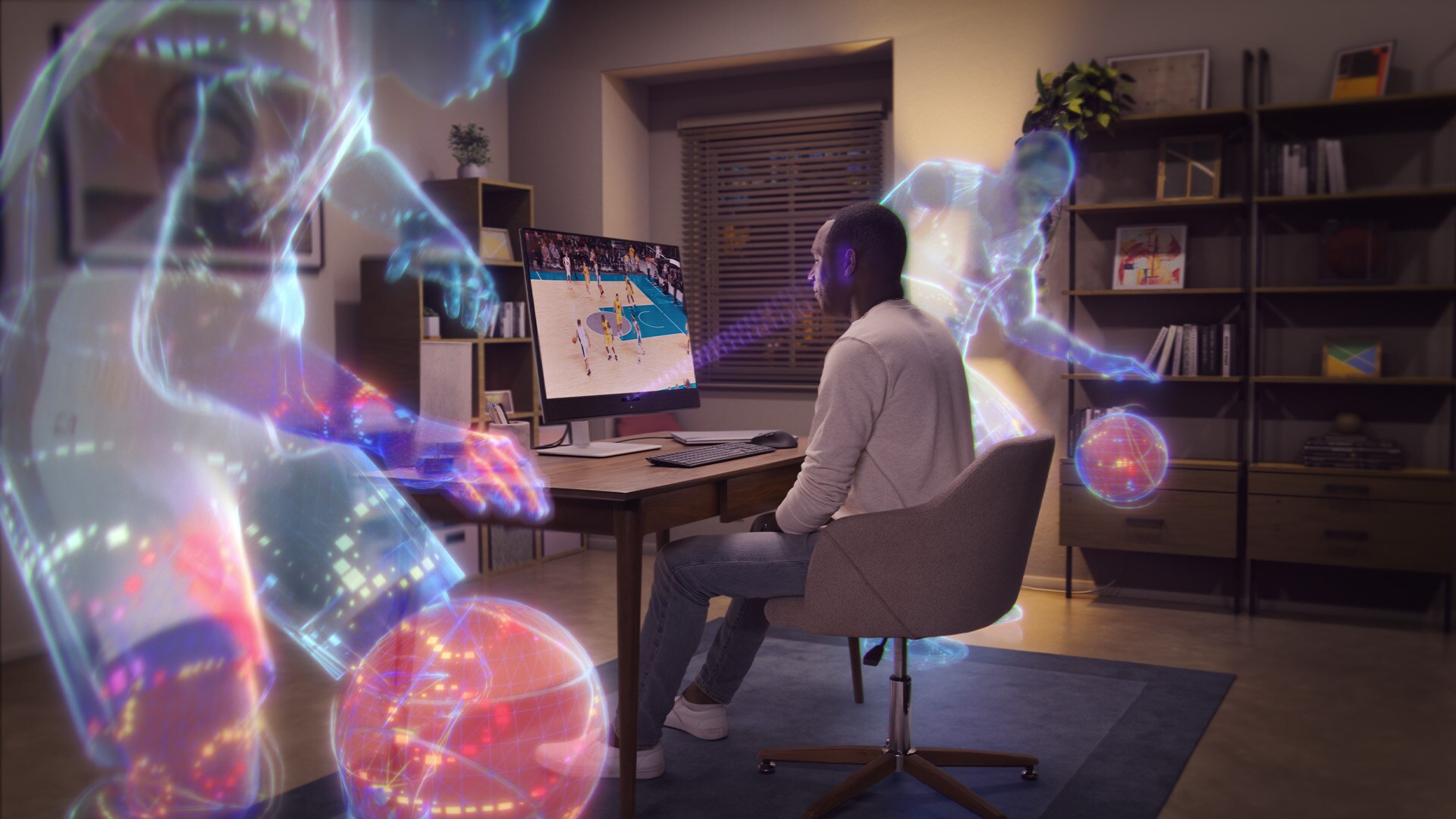
Enter a hyper-realistic 3D soundscape
Immerse yourself in sound with spatial audio technology from five 5W speakers. Enabled by AI-driven head-tracking, this feature follows your movements with pinpoint accuracy. Advanced beamforming technology delivers targeted, crystal-clear audio, putting you at the heart of the action for a lifelike, real-world experience.
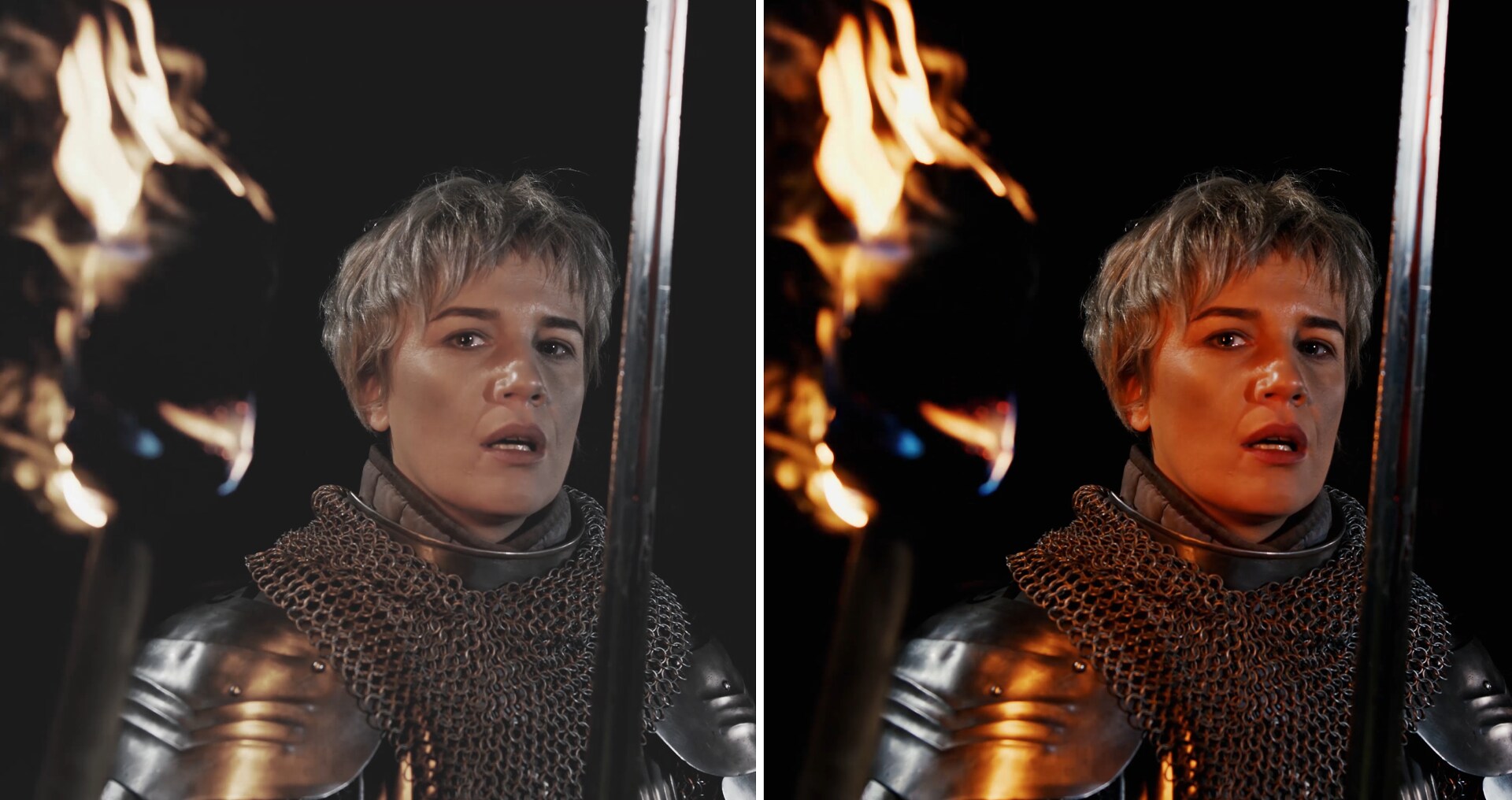
True-to-life imagery
Discover vivid, lifelike visuals with the stunning quality of a QD-OLED display and 4K resolution. Whether you're immersed in entertainment or professionally editing video and images, this monitor provides precise colour reproduction with 99% DCI-P3 coverage and deep contrast with VESA DisplayHDR True Black 400.
Standard display vs QD-OLED display
Standard display vs QD-OLED display

Incredible views with Dolby Vision
See greater visual depth and a stunning range of dark to light colours with Dolby Vision HDR.
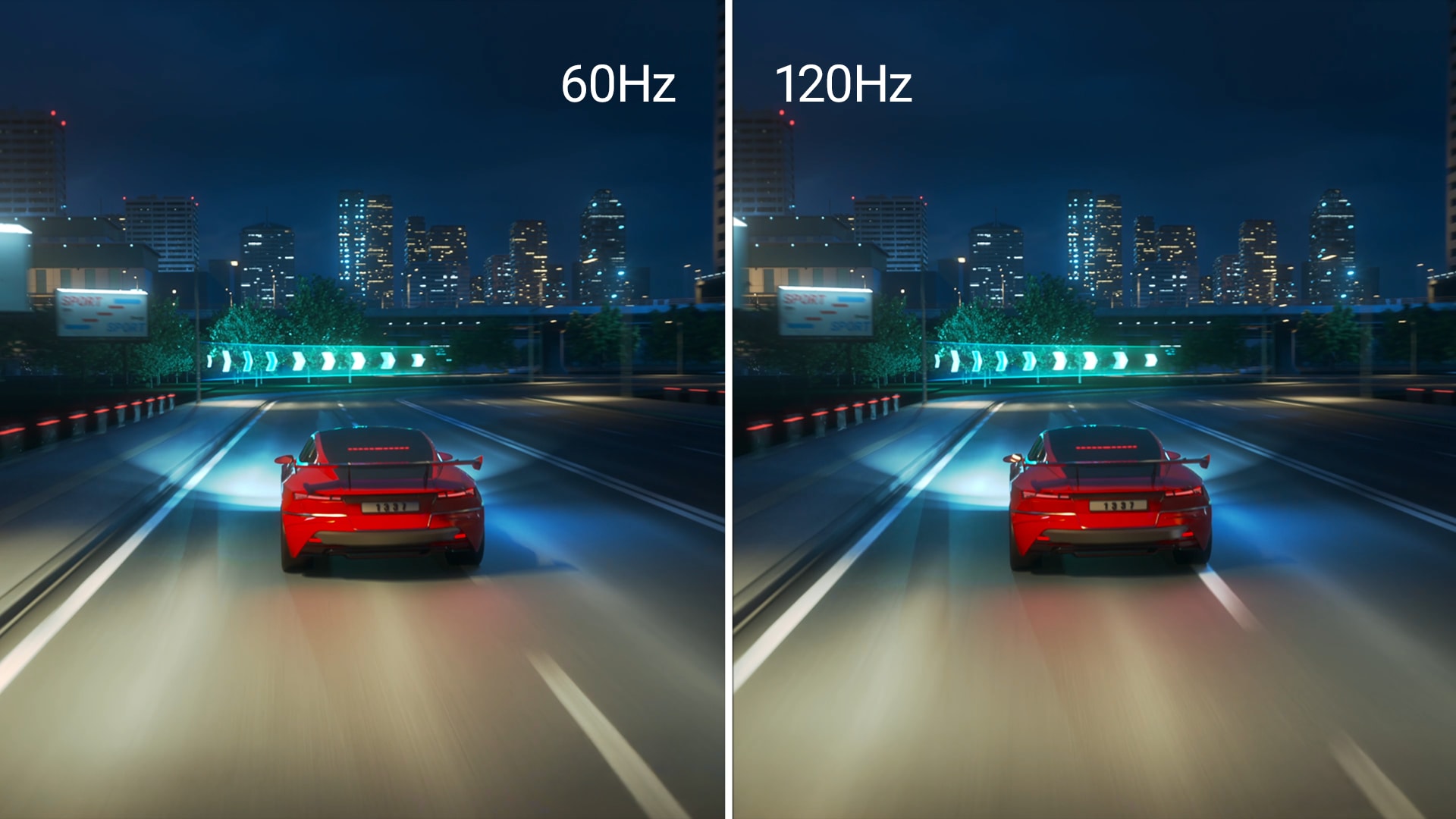
Dive in the action
Experience seamless, tear-free visuals with AMD FreeSync™ Premium Pro, and enjoy ultra-smooth performance for work and play with up to 120Hz refresh rate and lightning-fast 0.03ms response time.

ComfortView Plus
Minimise harmful blue light exposure without sacrificing colour accuracy with Dell’s always-on, built-in ComfortView Plus.
See the difference when ComfortView Plus helps dial back the yellow hues to ensure better colour fidelity, compared to the results of software-enabled low blue light technology.
See the difference when ComfortView Plus helps dial back the yellow hues to ensure better colour fidelity, compared to the results of software-enabled low blue light technology.
Smart design. Effortless experience.
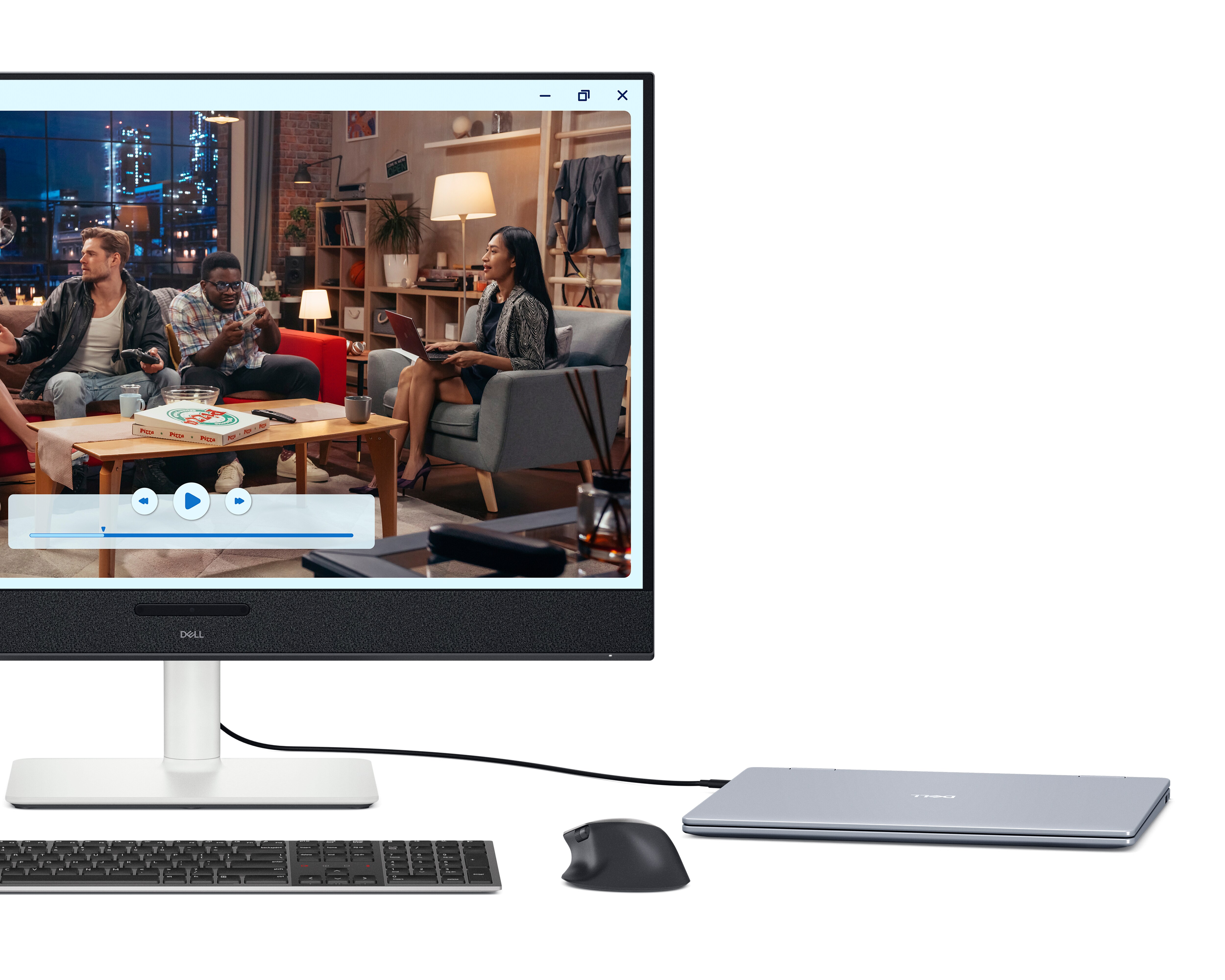
Easy connectivity
Keep your desk organised and clutter-free with a single USB-C cable (up to 90W power delivery).

Ultra convenient
Conveniently share and deliver content via the pop-out quick-access port (USB-C up to 15W power delivery).
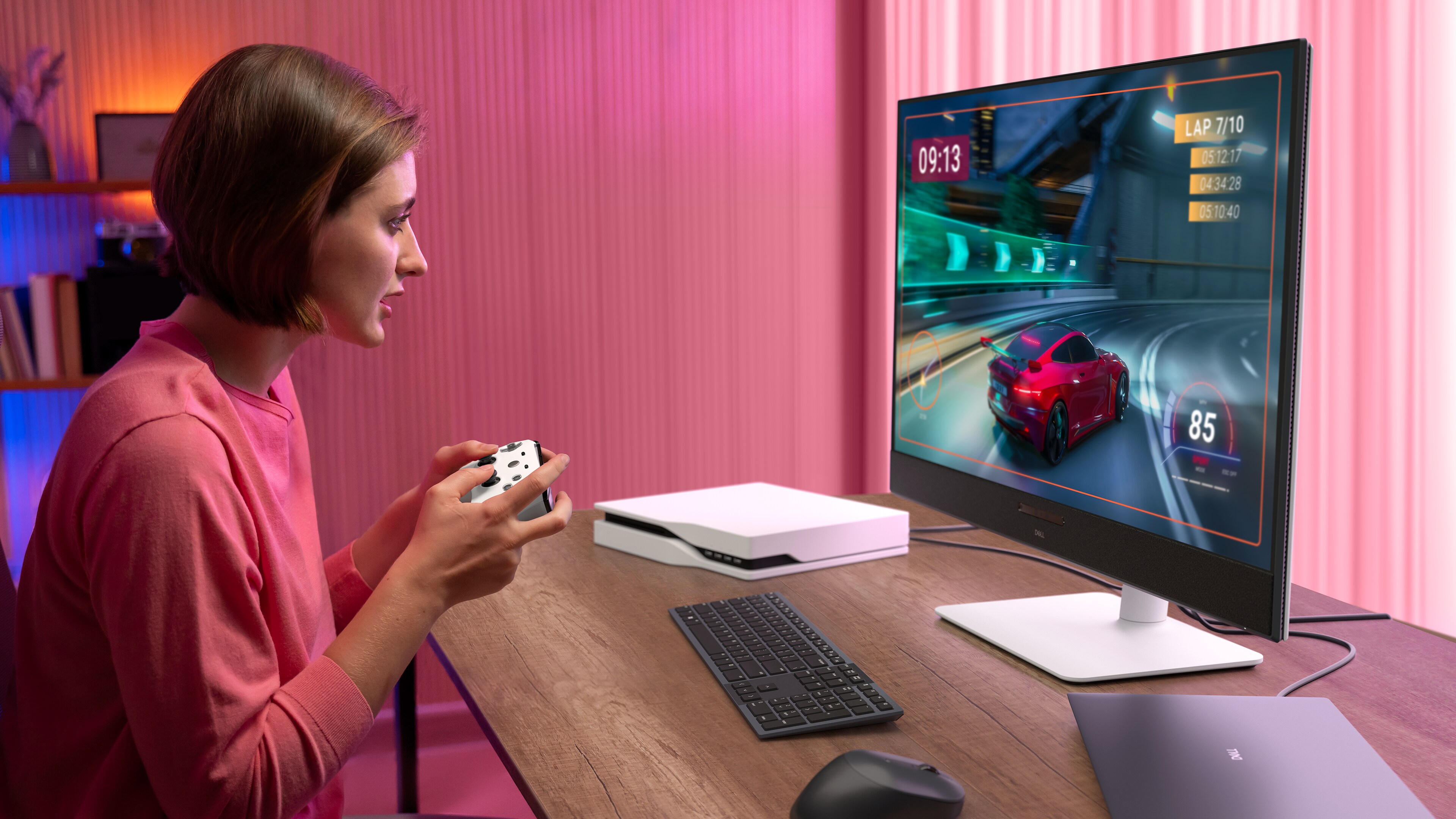
Seamless switching
Access your entertainment and gaming setups with ease by toggling between USB-C and HDMI.
Comfort from every angle
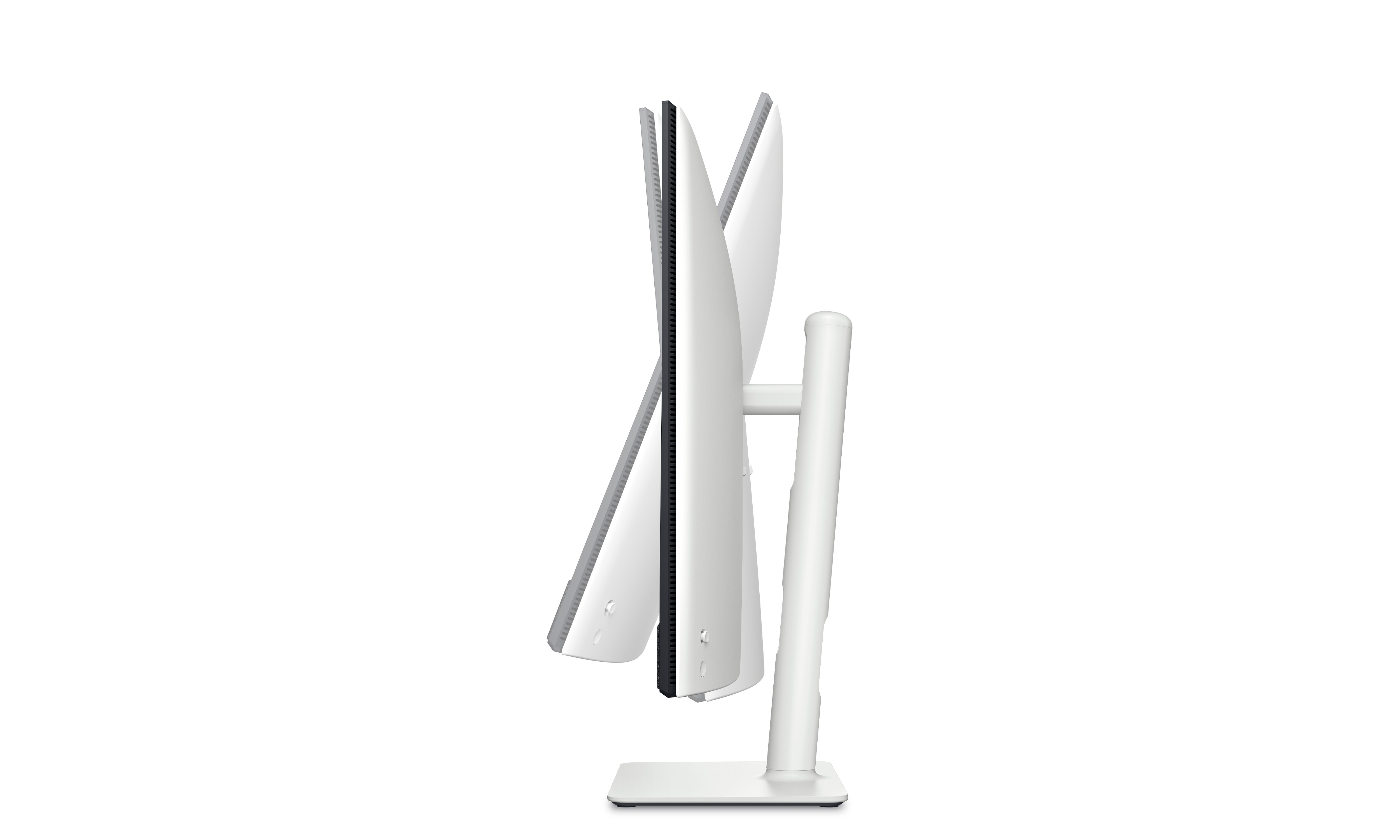
Tilt
Adjustment from -5° / +21°.
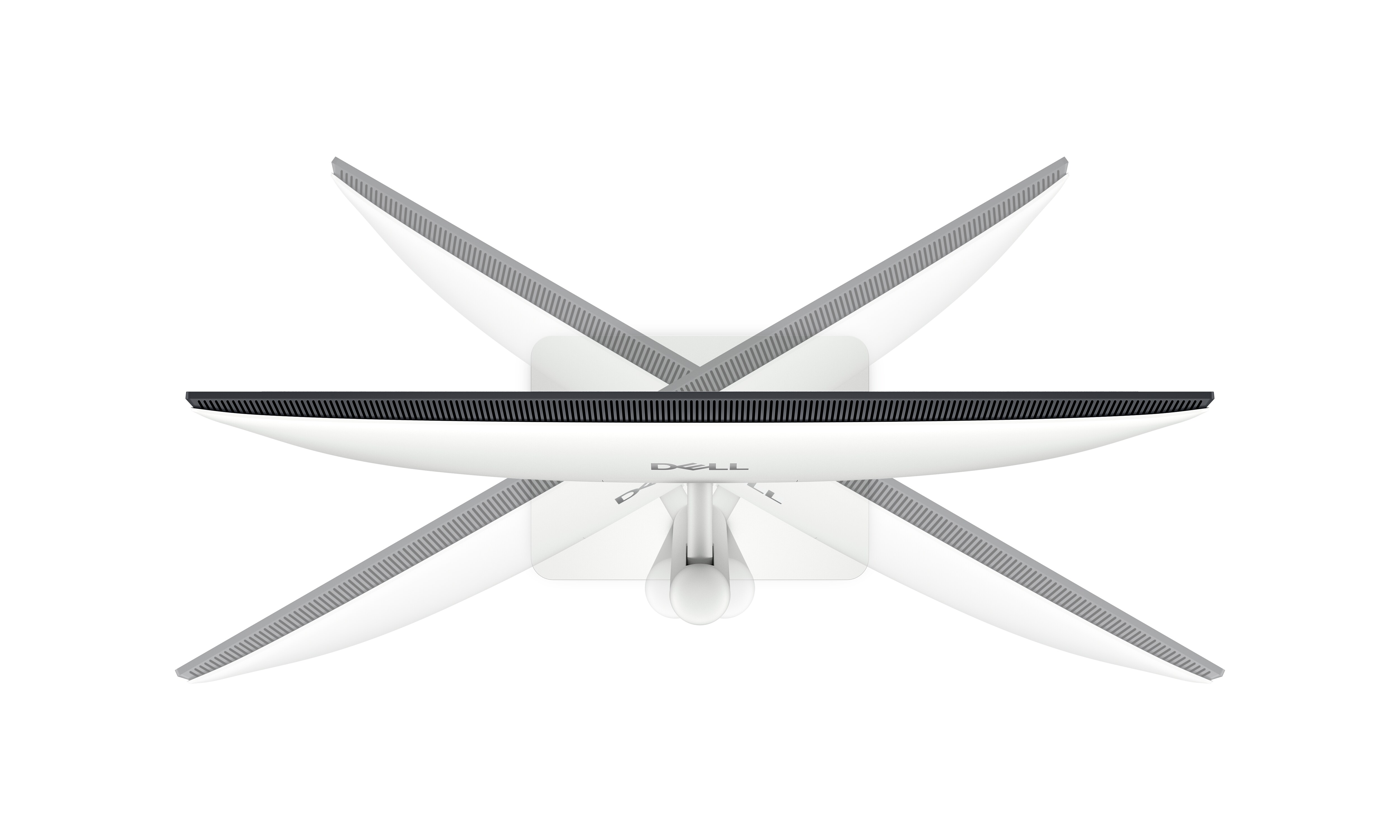
Swivel
Bi-directional adjustment up to 30°.
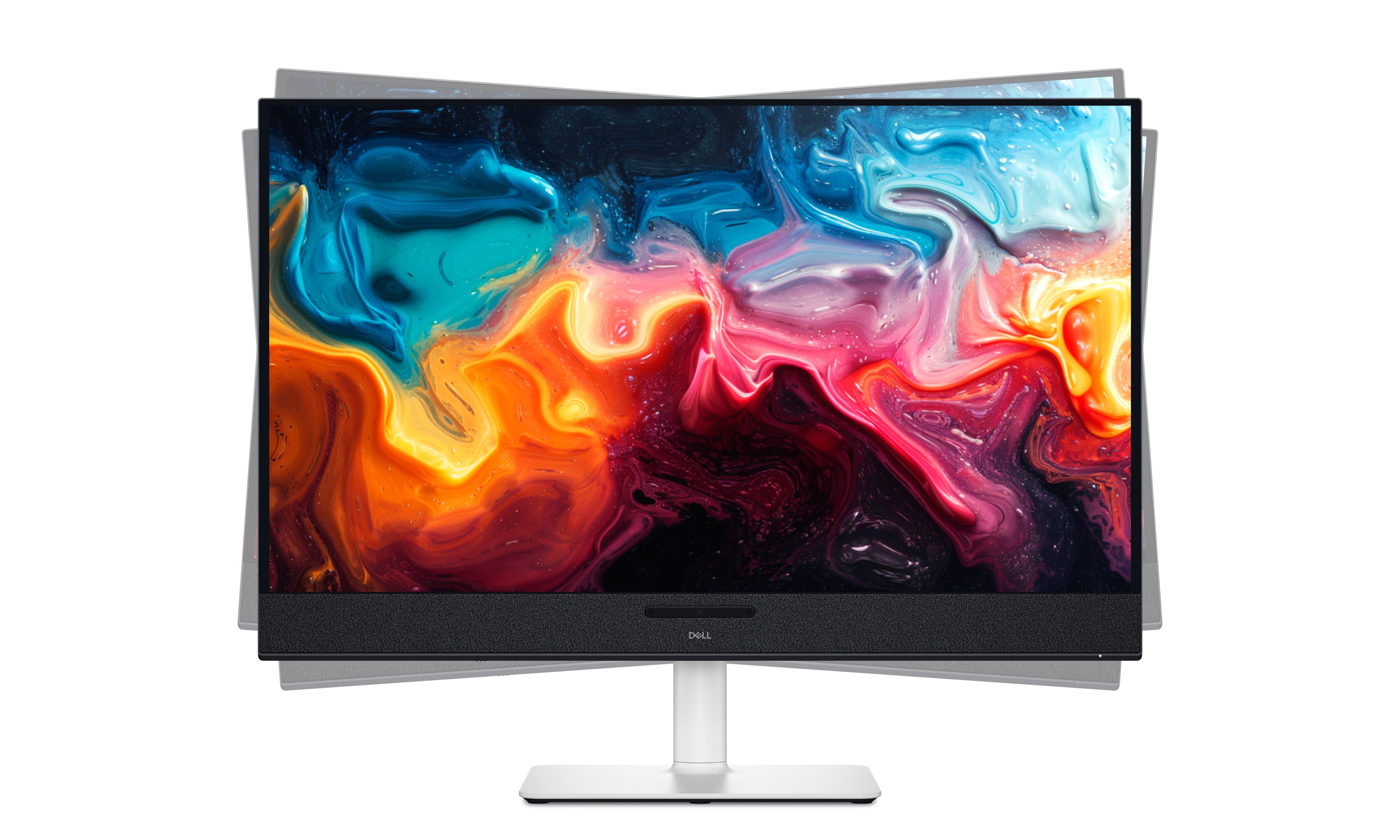
Slant
Bi-directional adjustment from -4° / +4°.
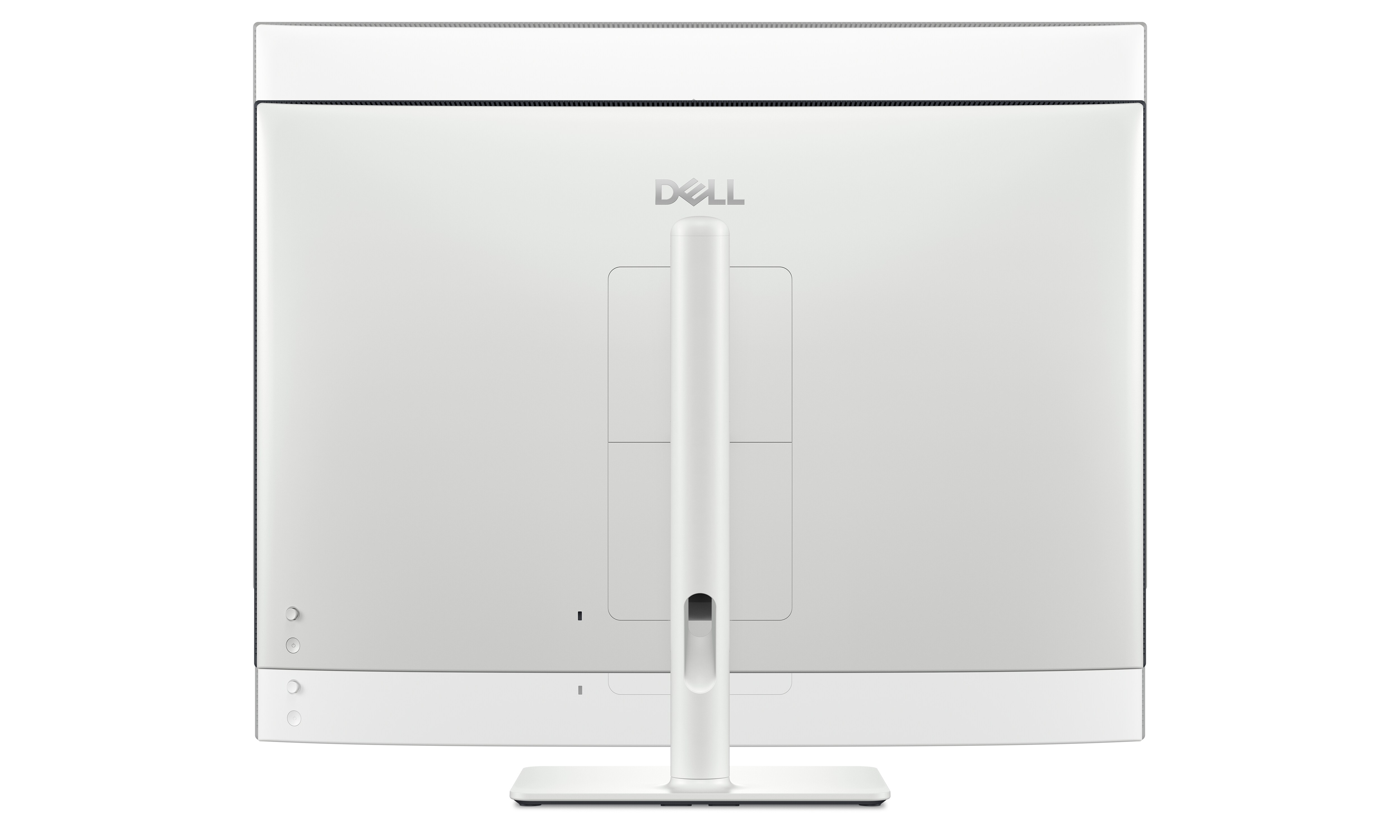
Height
Adjustability up to 110mm.
Dell Display and Peripheral Manager
Experience Dell’s singular, innovative application to optimise the performance of your entire Dell PC workspace.
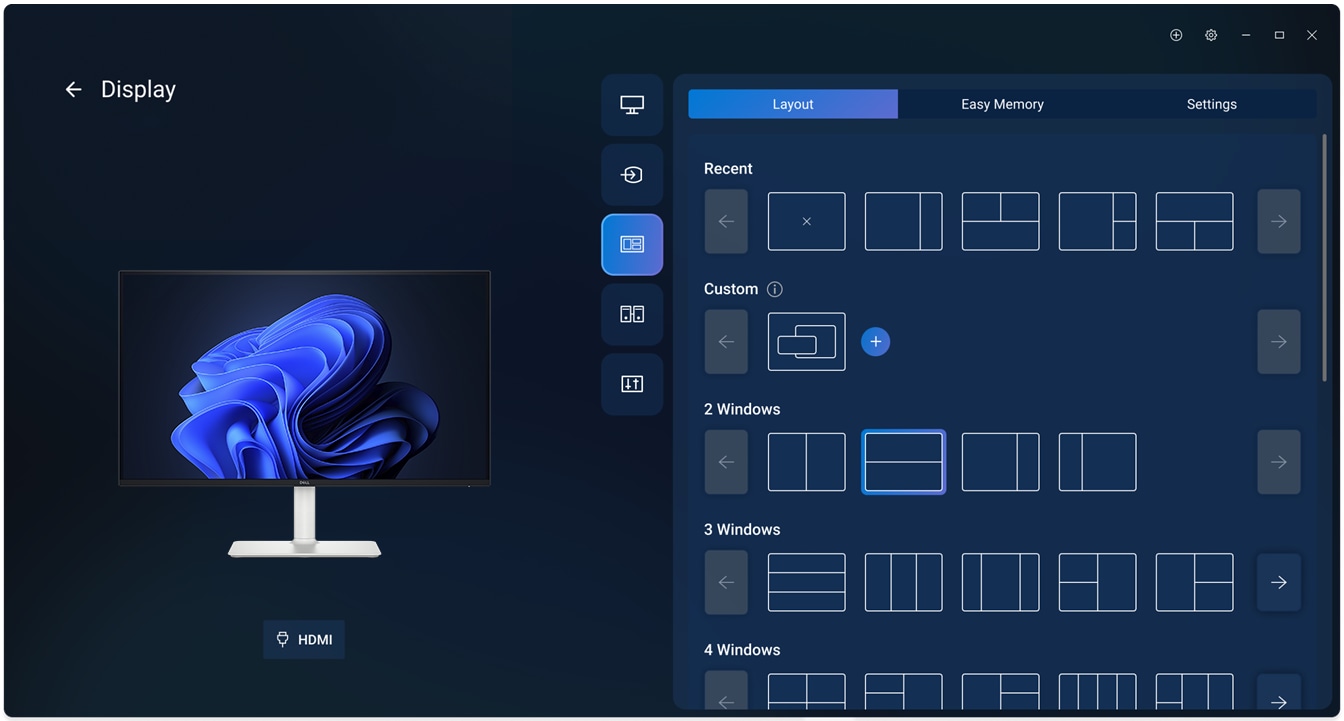
Maximise productivity
Easy Arrange tiles apps across screens with pre-set partitions and customises up to five windows, enhancing multitasking. Easy Arrange Memory saves and restores app profiles manually, on schedule, or at start-up.
Customise your views
Work comfortably, day or night. Automate your brightness and contrast settings to match your schedule.
Disclaimer: Screen image simulated for illustrative purposes only. Monitor model may vary.
Easy Arrange tiles apps across screens with pre-set partitions and customises up to five windows, enhancing multitasking. Easy Arrange Memory saves and restores app profiles manually, on schedule, or at start-up.
Customise your views
Work comfortably, day or night. Automate your brightness and contrast settings to match your schedule.
Disclaimer: Screen image simulated for illustrative purposes only. Monitor model may vary.

