



| Model | Size | Resolution / Refresh Rate | Panel | Connectivity / Hub | Warranty | Notes |
|---|---|---|---|---|---|---|
| Dell Pro 14 Plus Portable Monitor - P1425 | 14" | 1920 × 1200 @ 60Hz | IPS | 2 × USB-C with DP Alt Mode, up to 65W power pass-through | 3 Years | Portable monitor, suitable for laptop extension |
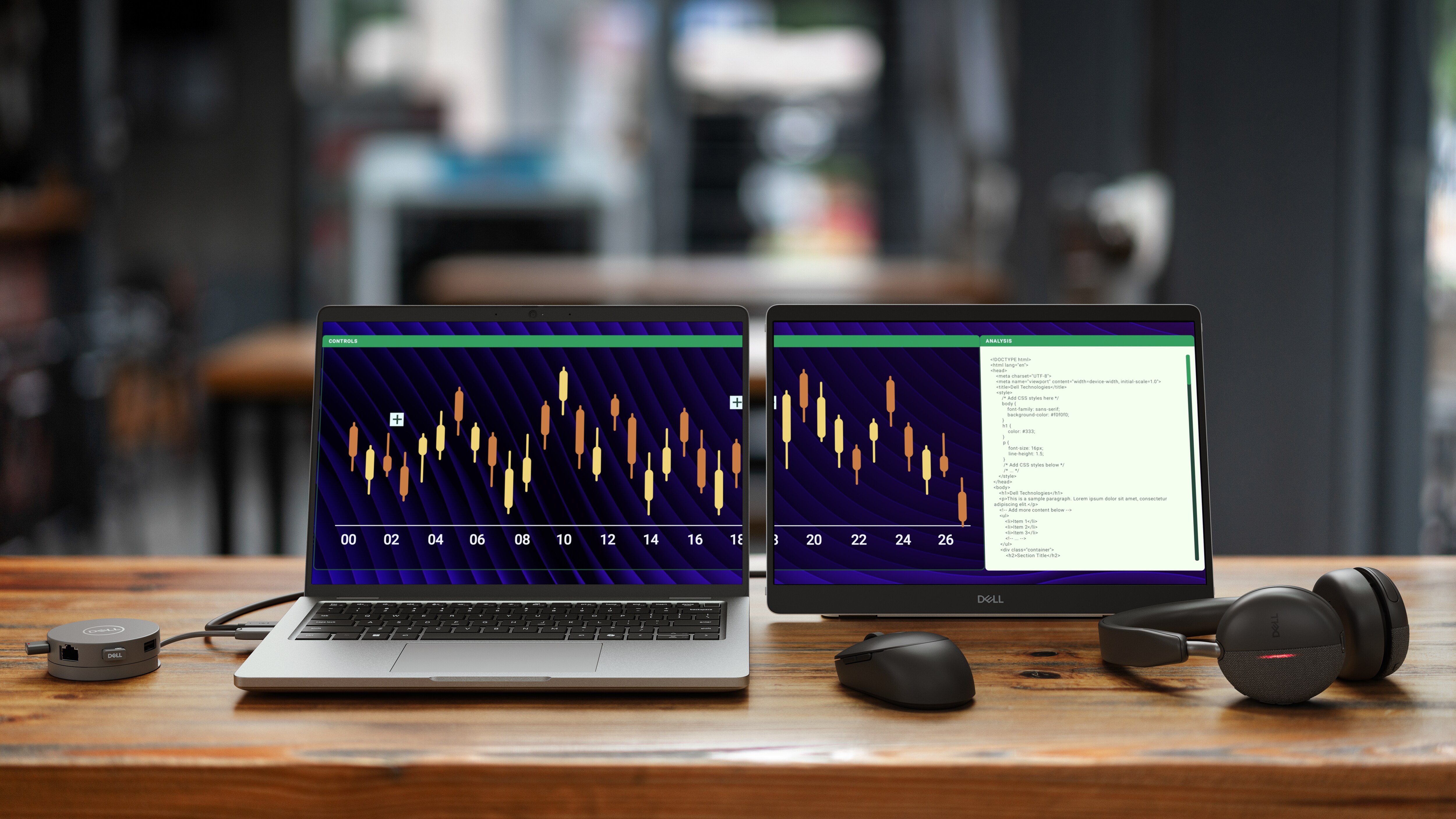
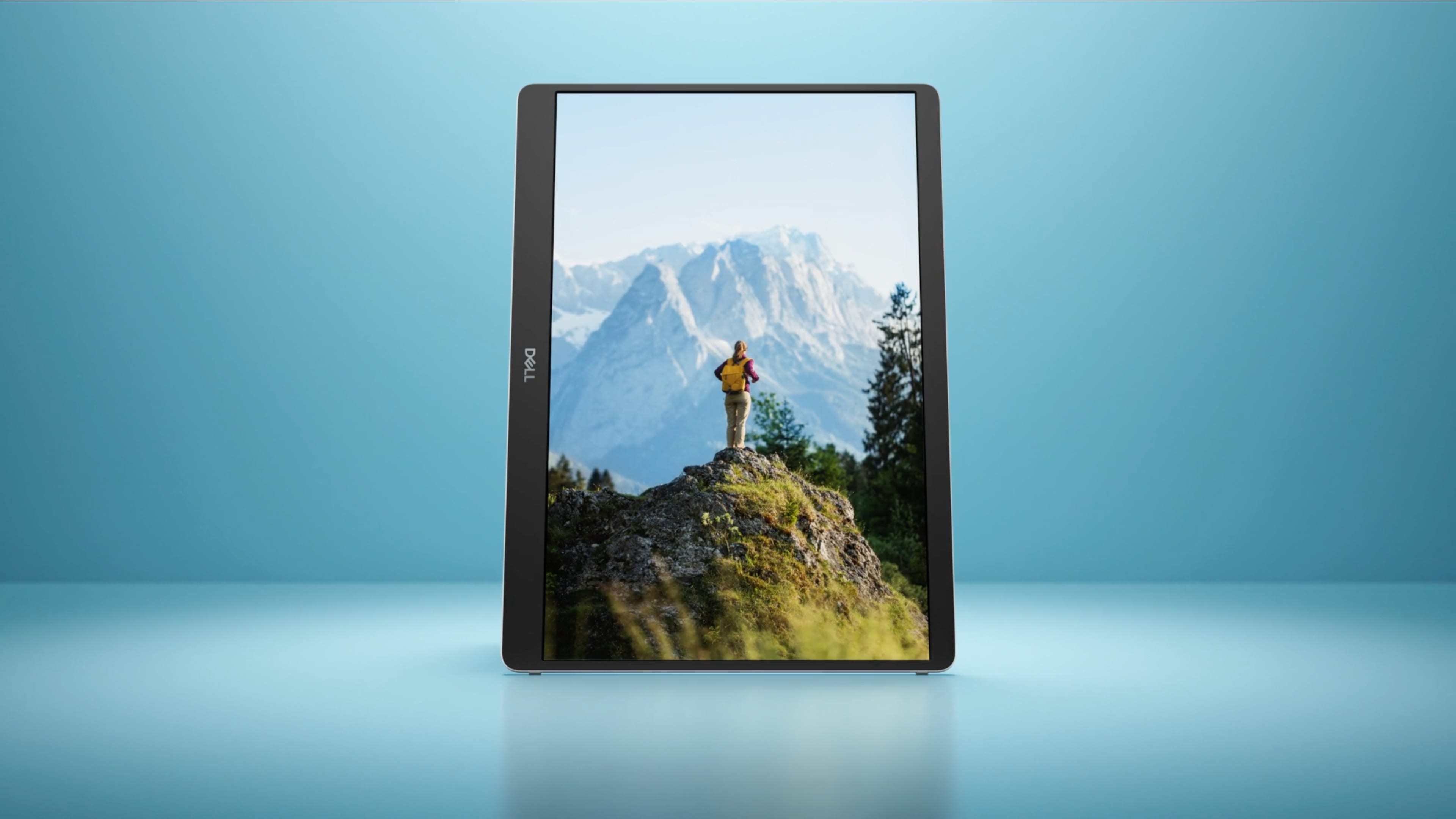
The Dell Pro 14 Plus Monitor swivels around, showing its screen. The screen displays a detailed nature image in a widescreen landscape format. The monitor turns 90◦, resting on its side. The on-screen image automatically adjusts to the rotated screen, going to a vertical portrait format.
Choose your view
Switch between landscape and portrait modes easily with a built-in sensor and a smartly designed stand. Once you set it up, the screen will automatically adjust every time you change the orientation.

Work in clear detail

Connect with ease
Space-saving design: An L-shaped USB-C cable connector keeps your setup neat and sleek.
Power pass-through: Charge while you work with USB-C charging that delivers up to 65W of power.
Plug and play simplicity: Set up quickly and easily with a single USB-C cable for both video and power. Place your monitor to the left, right or behind your laptop thanks to convenient USB-C ports on each side.
Power pass-through: Charge while you work with USB-C charging that delivers up to 65W of power.
Plug and play simplicity: Set up quickly and easily with a single USB-C cable for both video and power. Place your monitor to the left, right or behind your laptop thanks to convenient USB-C ports on each side.
Dell Display and Peripheral Manager
Experience Dell’s singular, innovative application to optimise the performance of your entire Dell PC workspace.
Maximise productivity
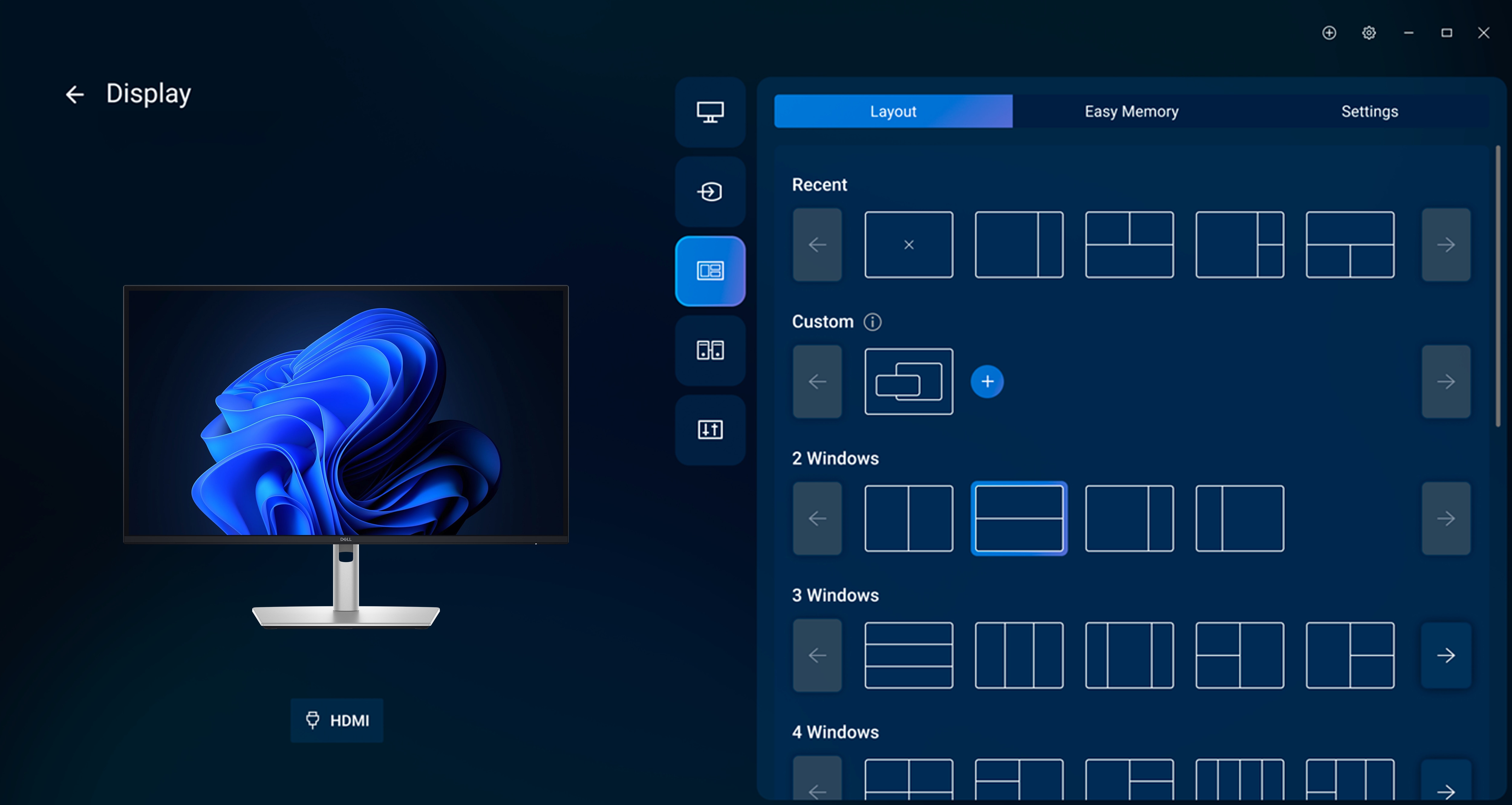
Easy Arrange tiles apps across screens with pre-set partitions and customises up to five windows, enhancing multitasking. Easy Arrange Memory saves and restores app profiles manually, on schedule, or at start-up.
Customise your views
Work comfortably, day or night. Automate your brightness and contrast settings to match your schedule.
More manageable
Save time and boost IT efficiency with the Dell Device Management Console to manage your Dell peripheral fleet at scale, from a single cloud-based console. Discover expanded Command Line Interface features from Dell Display and Peripheral Manager.
Disclaimer: Screen image simulated for illustrative purposes only. Monitor model may vary.
Easy Arrange tiles apps across screens with pre-set partitions and customises up to five windows, enhancing multitasking. Easy Arrange Memory saves and restores app profiles manually, on schedule, or at start-up.
Customise your views
Work comfortably, day or night. Automate your brightness and contrast settings to match your schedule.
More manageable
Save time and boost IT efficiency with the Dell Device Management Console to manage your Dell peripheral fleet at scale, from a single cloud-based console. Discover expanded Command Line Interface features from Dell Display and Peripheral Manager.
Disclaimer: Screen image simulated for illustrative purposes only. Monitor model may vary.

