



| Model | Size | Resolution / Refresh Rate | Panel | Connectivity / Hub | Warranty | Notes |
|---|---|---|---|---|---|---|
| Dell Pro 55 Plus 4K Monitor - P5525QC | 55" | 3840 × 2160 | IPS | HDMI, DisplayPort, USB-C, USB hub, RJ45 | 3 Years | Large format 4K display |
Connect to productivity
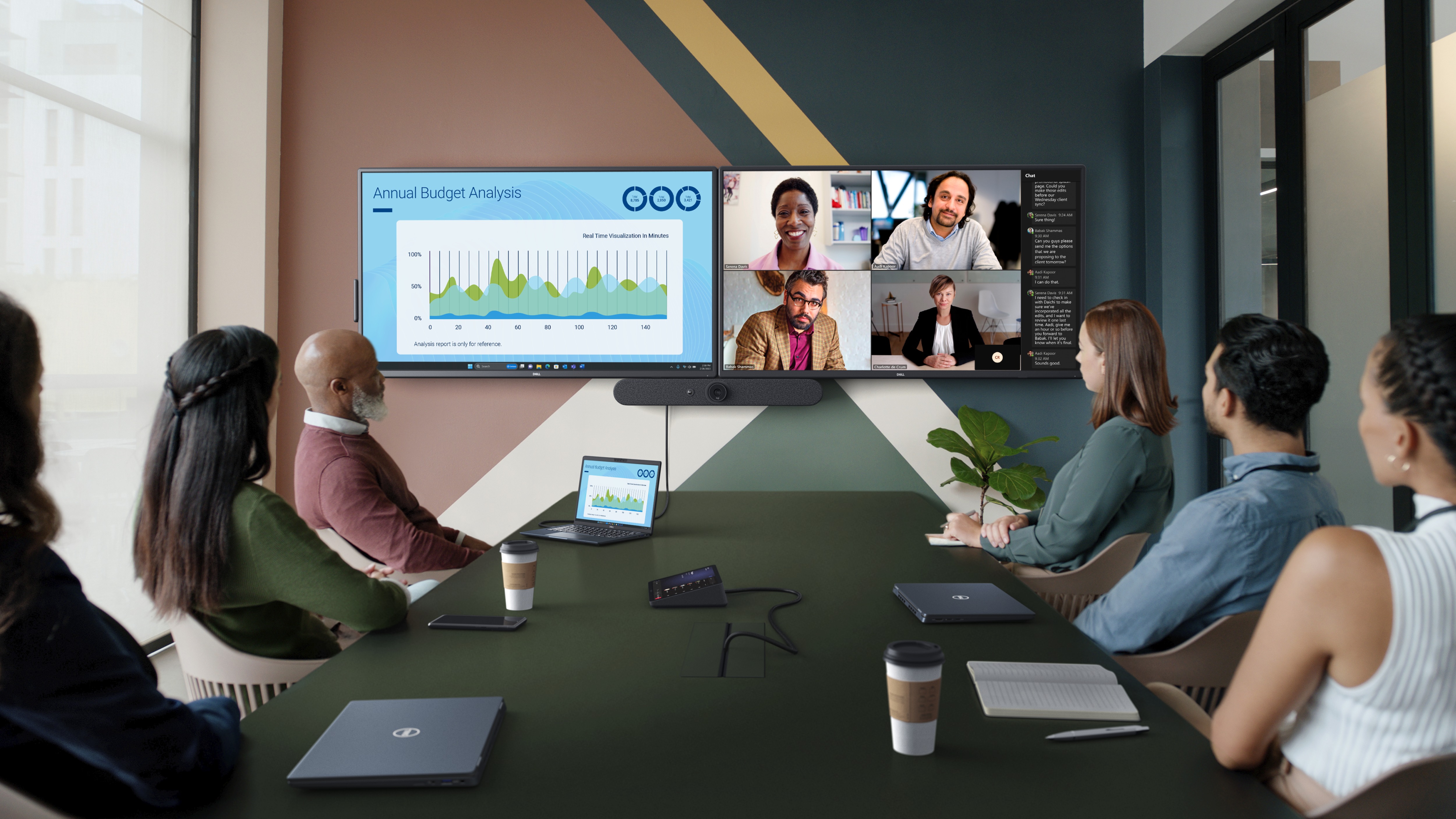
Captivating collaboration
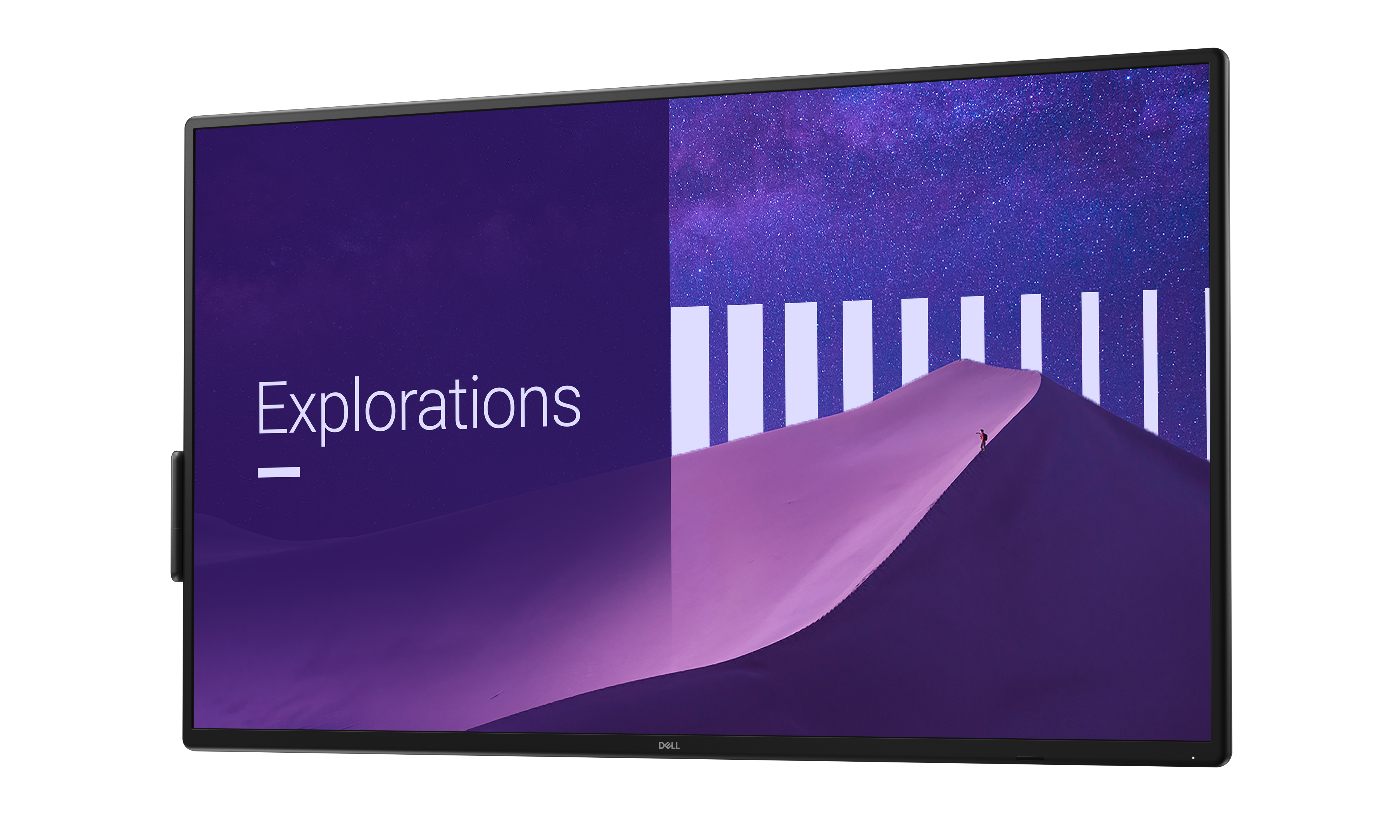
Sharp presentations
Display every detail brilliantly on a 55" screen with 4K resolution.
Easy on the eyes
Work without straining your eyes with the always-on, built-in ComfortView Plus, which reduces low blue light without compromising colour.
Good views
See consistent colours from any seat in the room with the wide viewing angle enabled by In-Plane Switching (IPS) technology.
Instant audio
Built-in dual 10W speakers provide convenience without the need to connect additional devices.
Cutting-edge design

Modern design
Rounded edge bezel enhances the refined look of your meeting room.
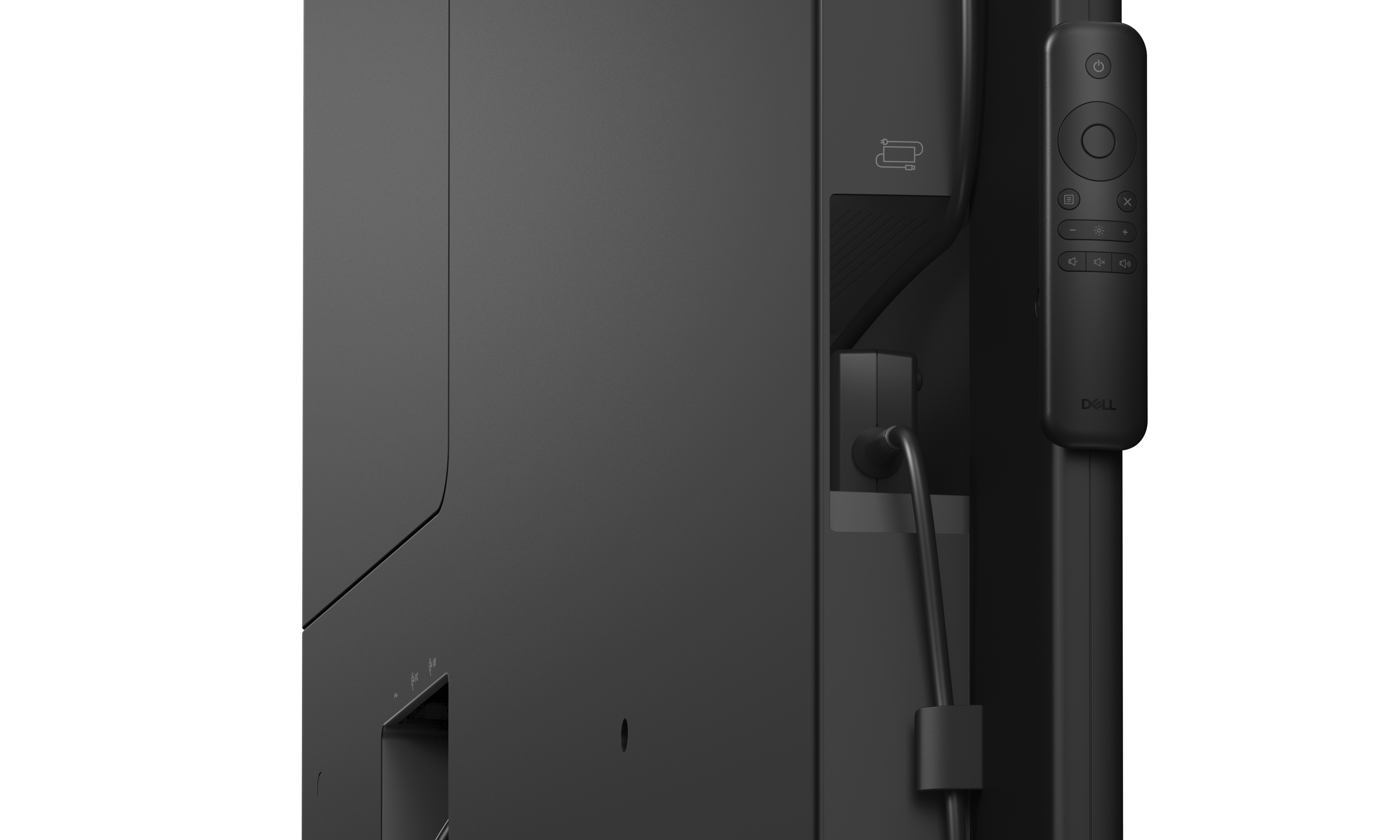
Convenient conferencing
Run video conferencing devices with power pass-through and secure a power adapter in the dedicated holder.
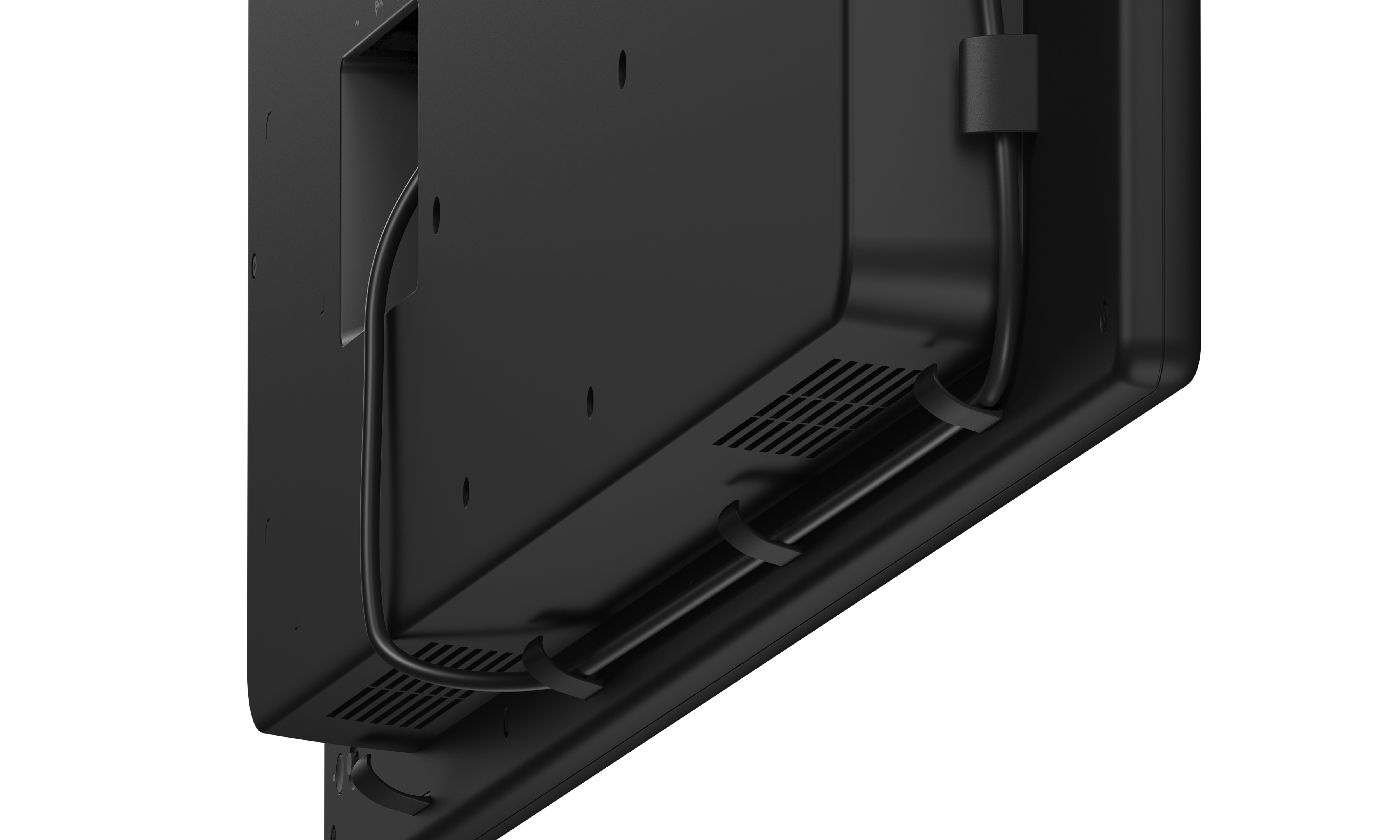
Organised cords
Cable management clips keep the meeting room clutter-free.
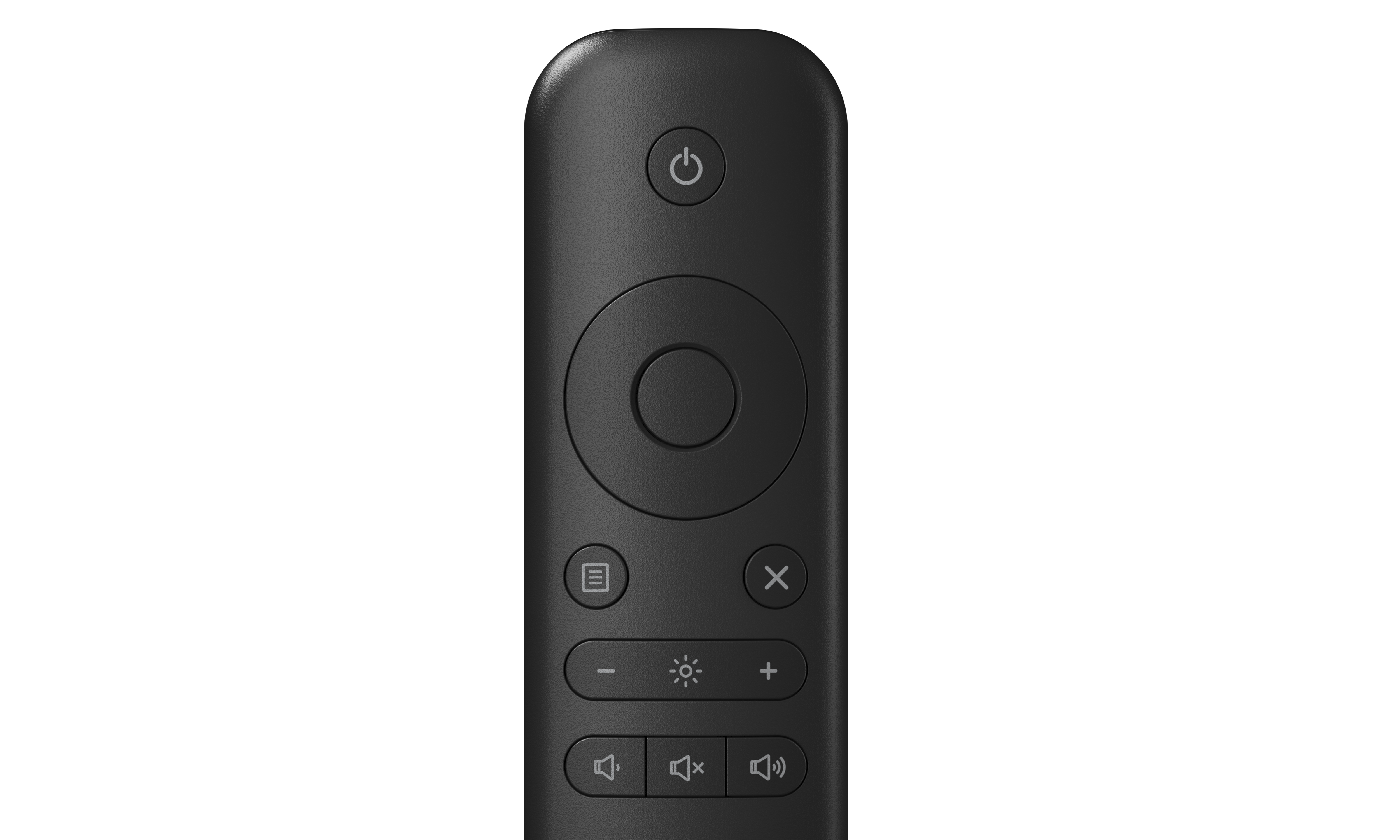
Easy to use
The simplified remote control is magnetic and can be placed on either side of the monitor.
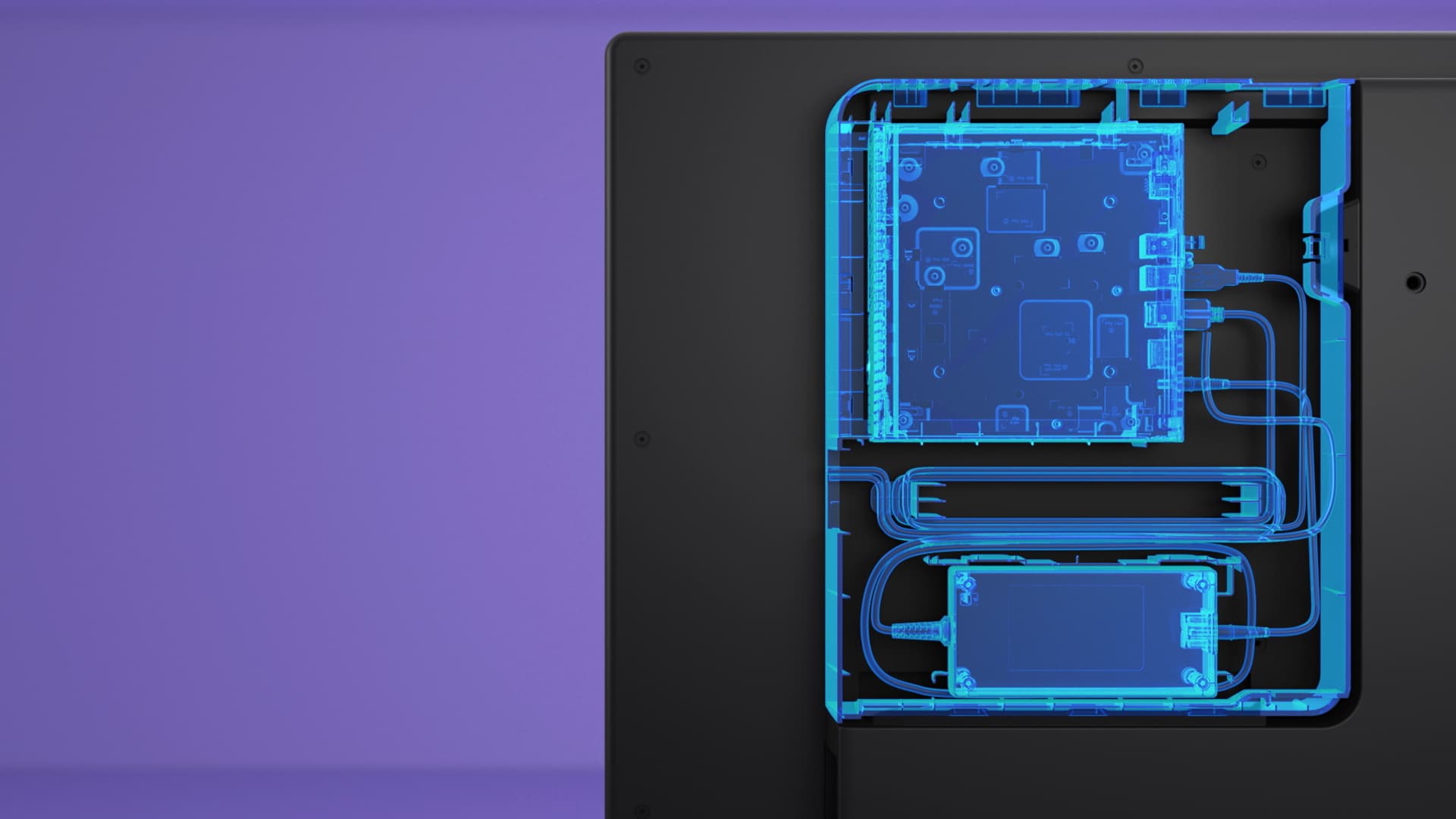
The in/out slide on the P5525QC monitor gives the option to integrate a Dell OptiPlex Micro. IT can choose the best option based on business needs, upgrade as you grow and deploy system updates to the OptiPlex. Secure it in the powered compartment that also protects and manages cables.
Seamless integration
The convenient in/out slide gives you the option to integrate your preferred Dell Pro micro. IT can choose the best option based on business needs, upgrade as you grow and easily deploy system updates to the OptiPlex.
Securely fasten your Dell Pro micro in the lockable, powered compartment that also protects and manages cables for a clutter-free setup.
Securely fasten your Dell Pro micro in the lockable, powered compartment that also protects and manages cables for a clutter-free setup.
Dell Display and Peripheral Manager
Experience Dell’s singular, innovative application to optimise the performance of your entire Dell PC workspace.
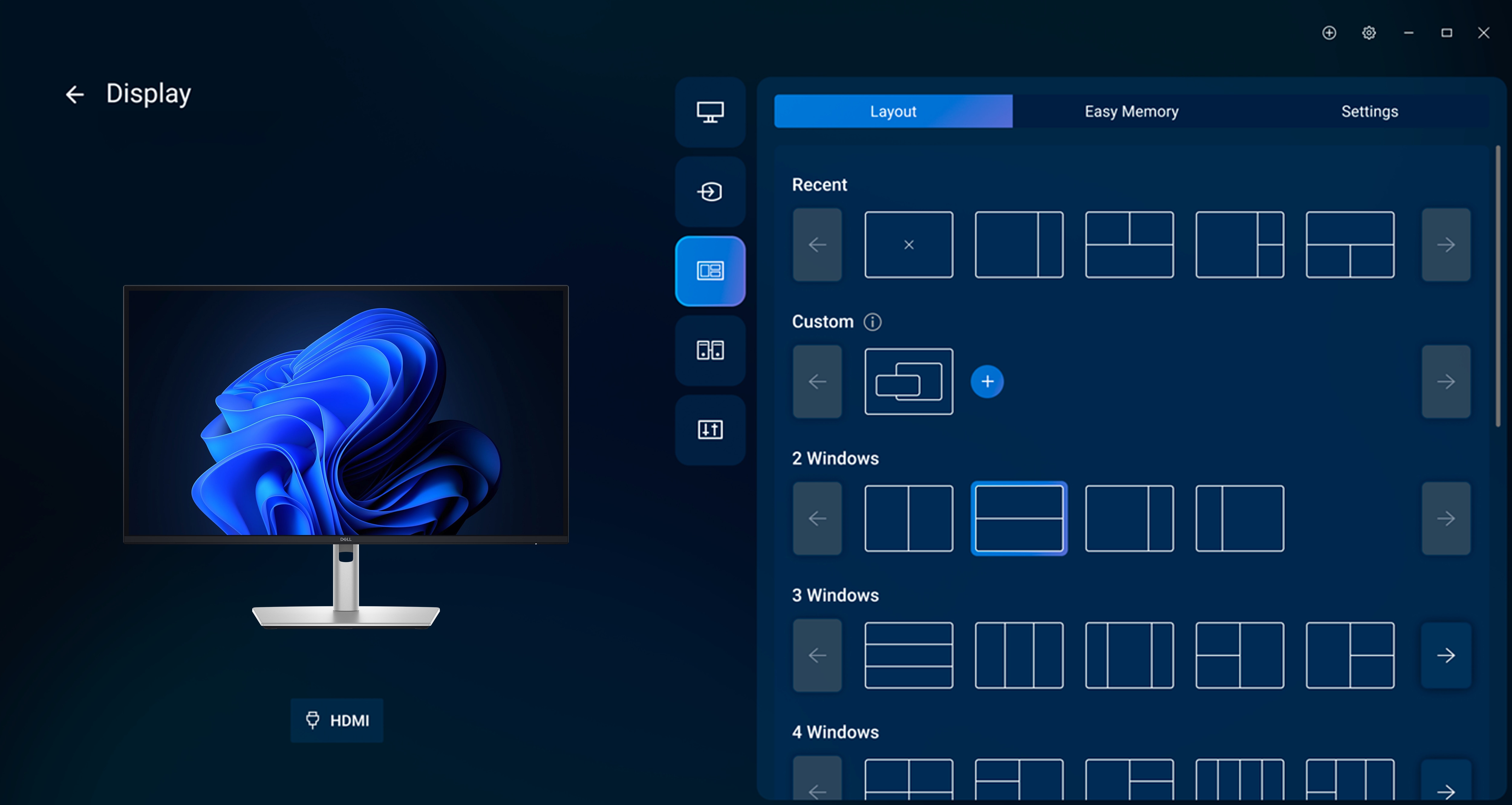
Maximise productivity
Easy Arrange tiles apps across screens with pre-set partitions and customises up to five windows, enhancing multitasking. Easy Arrange Memory saves and restores app profiles manually, on schedule, or at start-up.
Customise your views
Work comfortably, day or night. Automate your brightness and contrast settings to match your schedule.
More manageable
Save time and boost IT efficiency with the Dell Device Management Console to manage your Dell peripheral fleet at scale, from a single cloud-based console. Discover expanded Command Line Interface features from Dell Display and Peripheral Manager.
Disclaimer: Screen image simulated for illustrative purposes only. Monitor model may vary.
Easy Arrange tiles apps across screens with pre-set partitions and customises up to five windows, enhancing multitasking. Easy Arrange Memory saves and restores app profiles manually, on schedule, or at start-up.
Customise your views
Work comfortably, day or night. Automate your brightness and contrast settings to match your schedule.
More manageable
Save time and boost IT efficiency with the Dell Device Management Console to manage your Dell peripheral fleet at scale, from a single cloud-based console. Discover expanded Command Line Interface features from Dell Display and Peripheral Manager.
Disclaimer: Screen image simulated for illustrative purposes only. Monitor model may vary.

