




4-star certified monitor for eye comfort
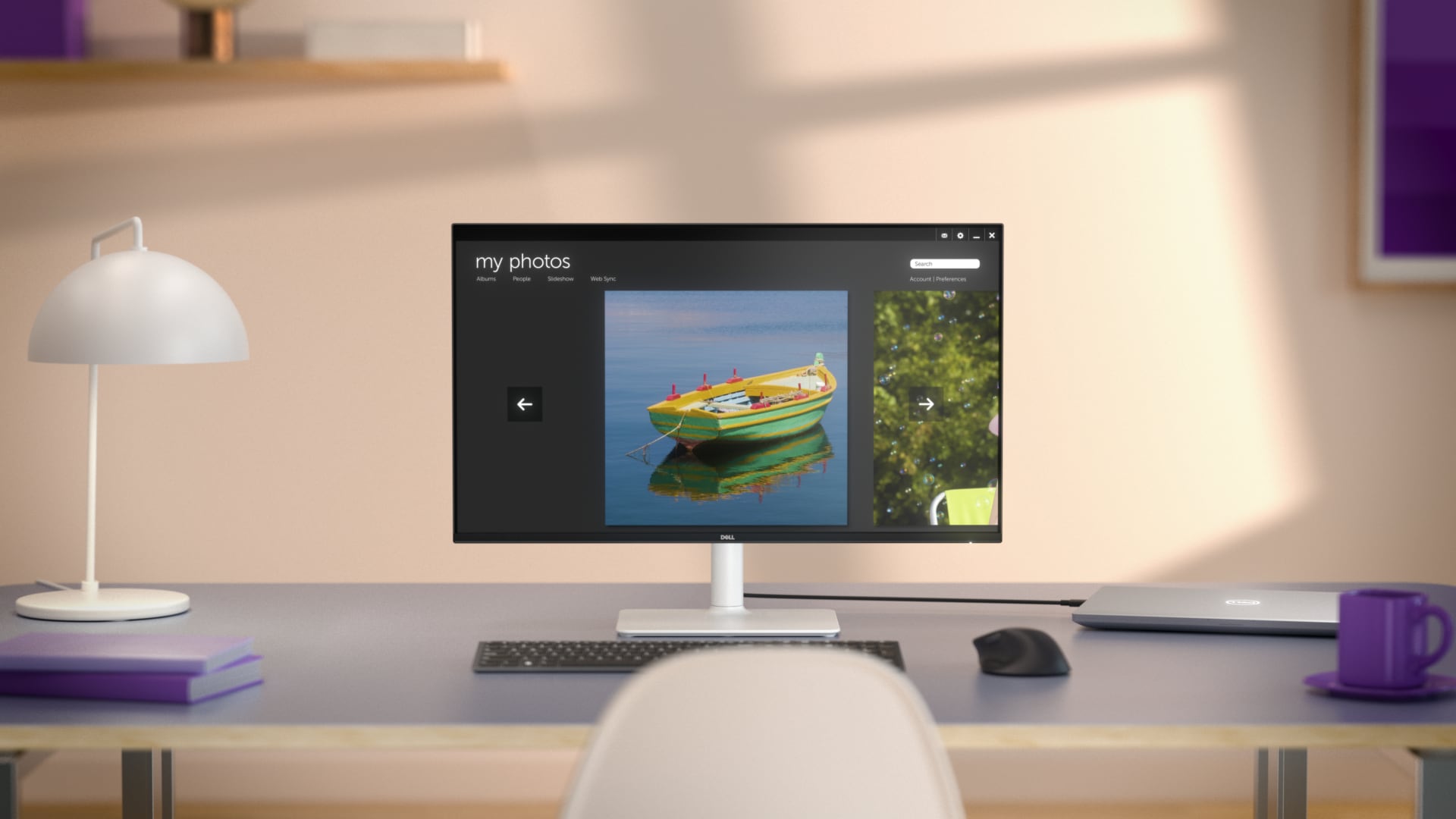
Improved ComfortView Plus
Reduces harmful blue light emissions to ≤35%, for all-day comfort without sacrificing colour accuracy.
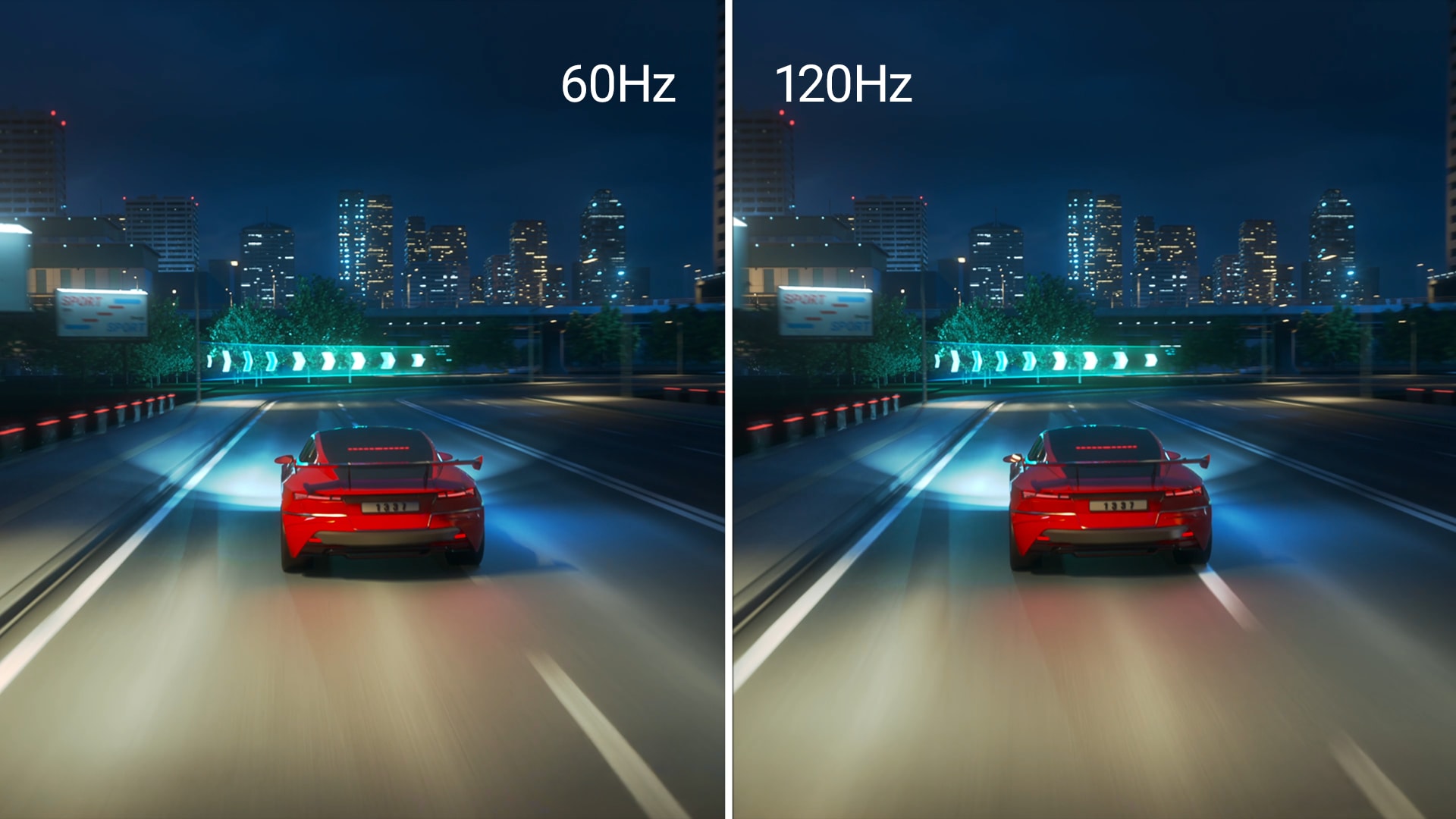
Refresh rate
A smooth, tear-free experience with AMD FreeSync™ Premium (refresh rate up to 120Hz) and an ultra-low 4ms response time create a captivating experience for work and play.

Vivid colours
Immerse yourself in breathtaking 4K visuals with in-plane switching technology. Enjoy vibrant colours with 99% sRGB. The 1500:1 contrast ratio and HDR readiness deliver excellent depth and detail.
Re-engineered sound quality
Enjoy more detailed sound with spacious audio featuring greater output power, deeper frequency response and more decibel range than the previous generation.
Smart design. Effortless experience.
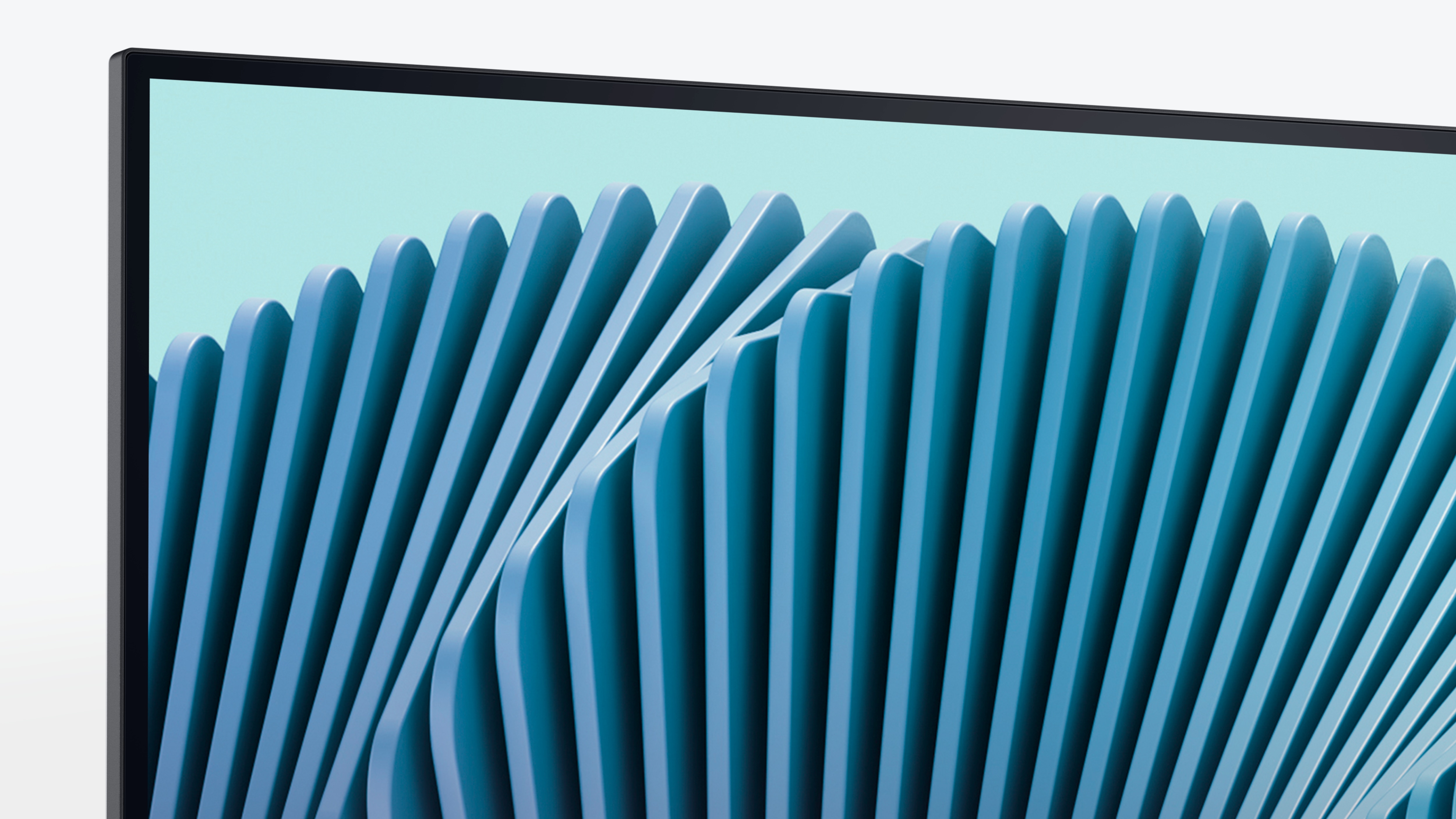
Ultra-thin bezel
Designed with a sleek, modern aesthetic and an ash white finish, this display features ultra-thin bezels for a refined, minimalist design.

Ultra convenient
The side-access design includes an HDMI port, ensuring quick and convenient setup.
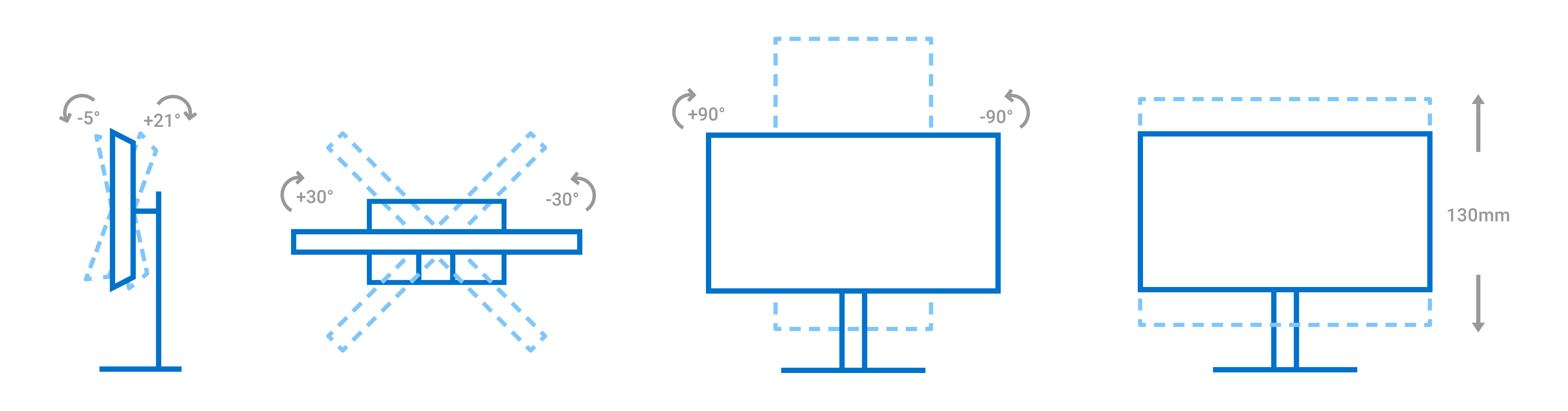
Comfort from every angle
Dell Display and Peripheral Manager
Experience Dell’s singular, innovative application to optimise the performance of your entire Dell PC workspace.
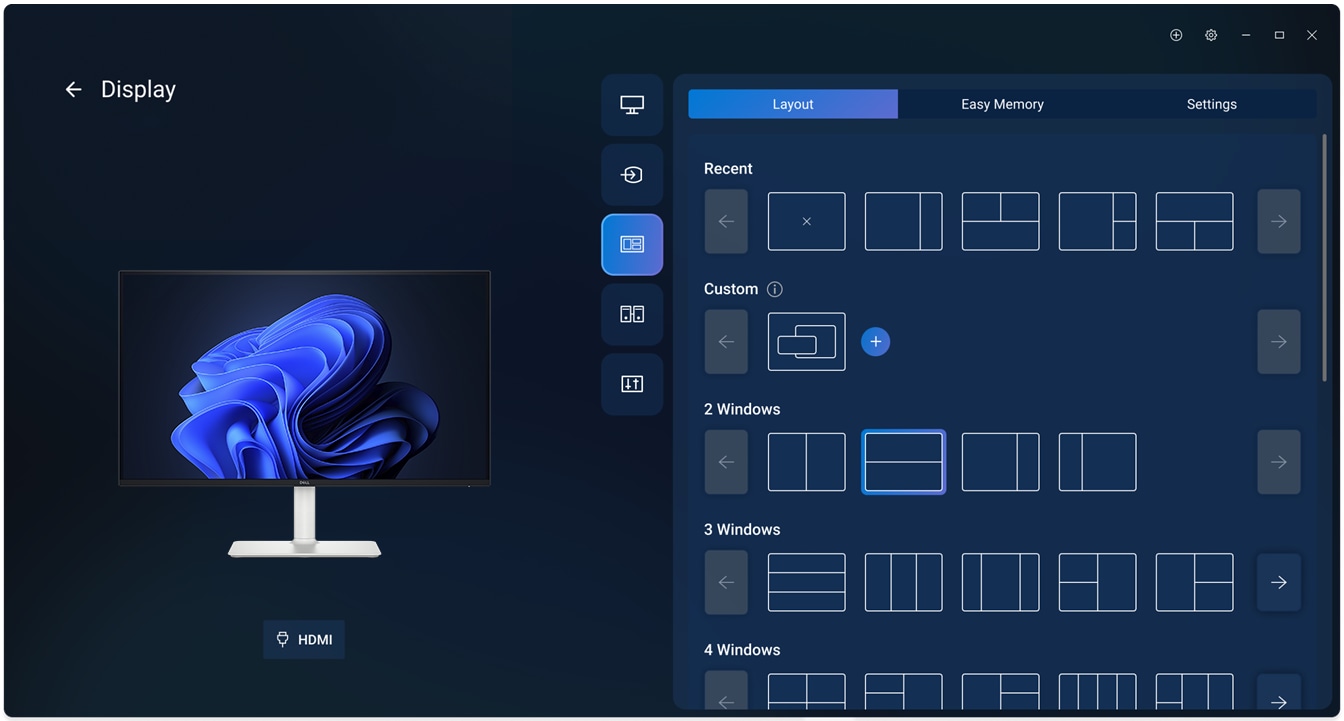
Maximise productivity
Easy Arrange tiles apps across screens with pre-set partitions and customises up to five windows, enhancing multitasking. Easy Arrange Memory saves and restores app profiles manually, on schedule, or at start-up.
Customise your views
Work comfortably, day or night. Automate your brightness and contrast settings to match your schedule.
Disclaimer: Screen image simulated for illustrative purposes only. Monitor model may vary.
Easy Arrange tiles apps across screens with pre-set partitions and customises up to five windows, enhancing multitasking. Easy Arrange Memory saves and restores app profiles manually, on schedule, or at start-up.
Customise your views
Work comfortably, day or night. Automate your brightness and contrast settings to match your schedule.
Disclaimer: Screen image simulated for illustrative purposes only. Monitor model may vary.

