




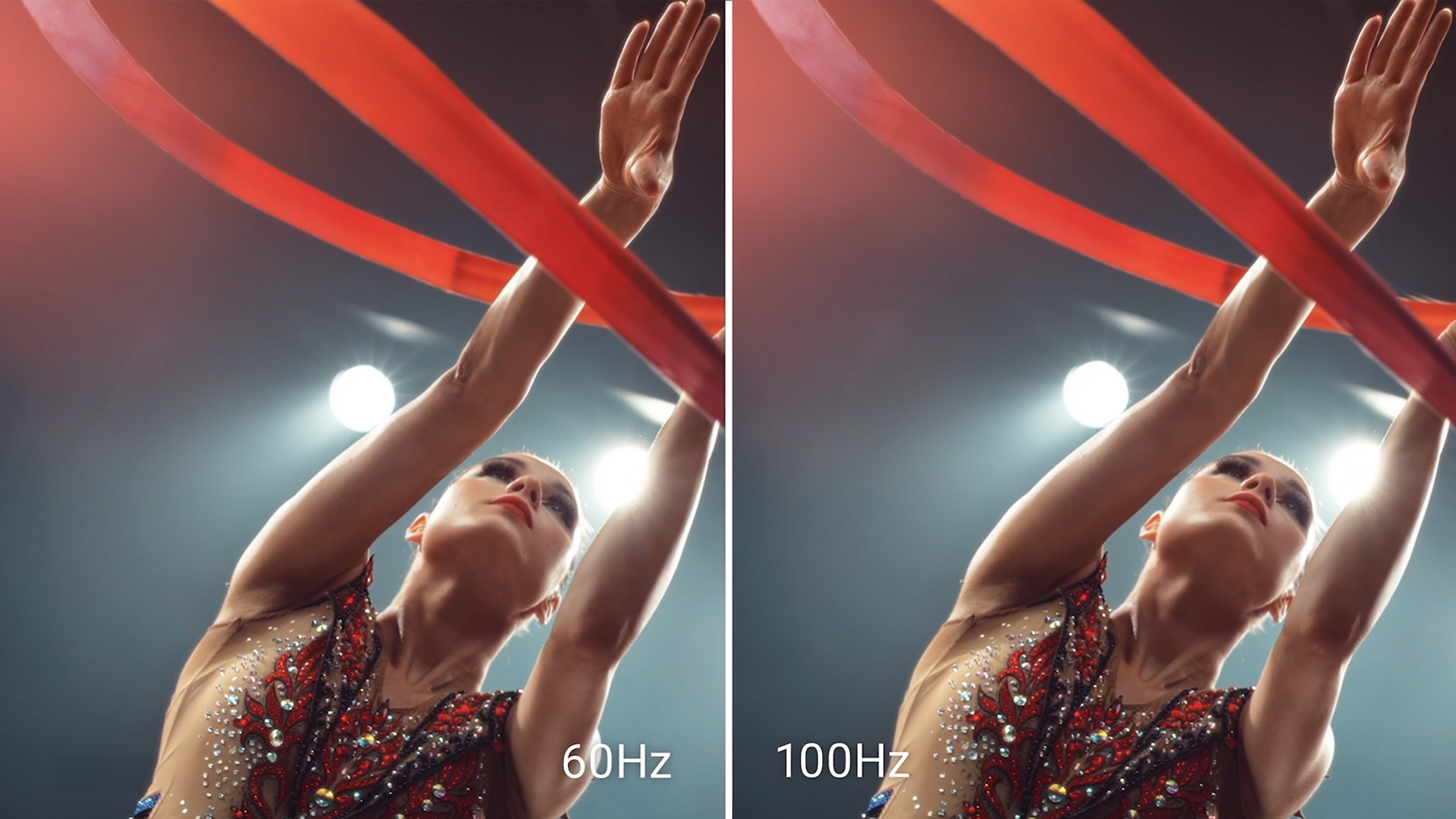
High refresh rate
A high 100Hz refresh rate delivers less flicker, more seamless scrolling and smoother motion.

Minimize harmful blue light exposure without sacrificing color accuracy. See the altered color quality with software-enabled low blue light technology and Dell's built-in ComfortView Plus.
ComfortView Plus
Minimise harmful blue light exposure without sacrificing colour accuracy with Dell’s always-on, built-in ComfortView Plus.
See the difference when ComfortView Plus helps dial back the yellow hues to ensure better colour fidelity, compared to the results of software-enabled low blue light technology.
See the difference when ComfortView Plus helps dial back the yellow hues to ensure better colour fidelity, compared to the results of software-enabled low blue light technology.
Dependable from every angle

Wide viewing angle
Get consistent views across a wide 178°/178° viewing angle.
Ultra-thin bezel design
See more with less distractions.
3000:1 contrast ratio
Experience deeper blacks, brighter whites and vivid colour.
Built-in dual 2W speakers
Clear audio for an enhanced listening experience.

Functional, space-saving design
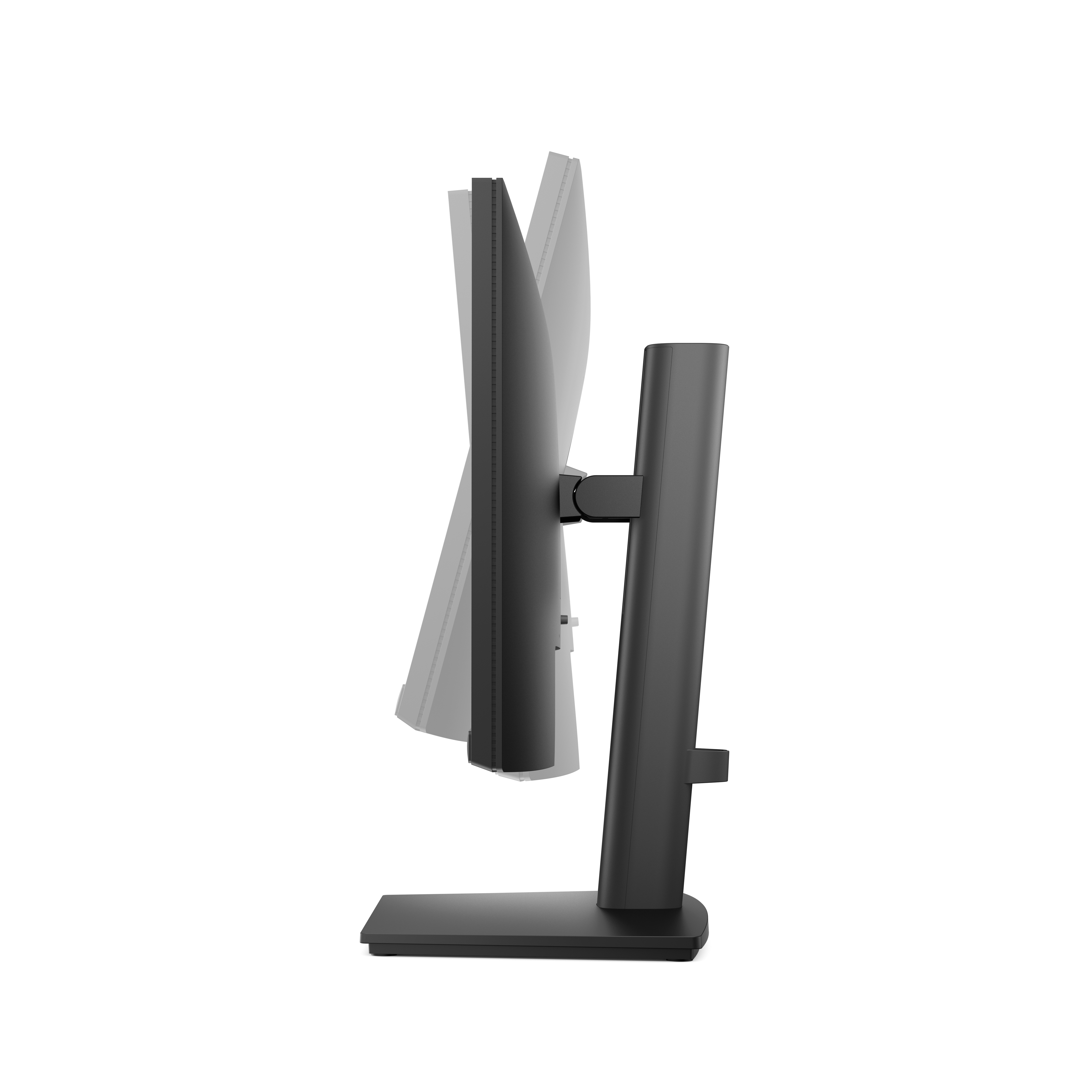
Tilt
Adjustment from -5° / +21°
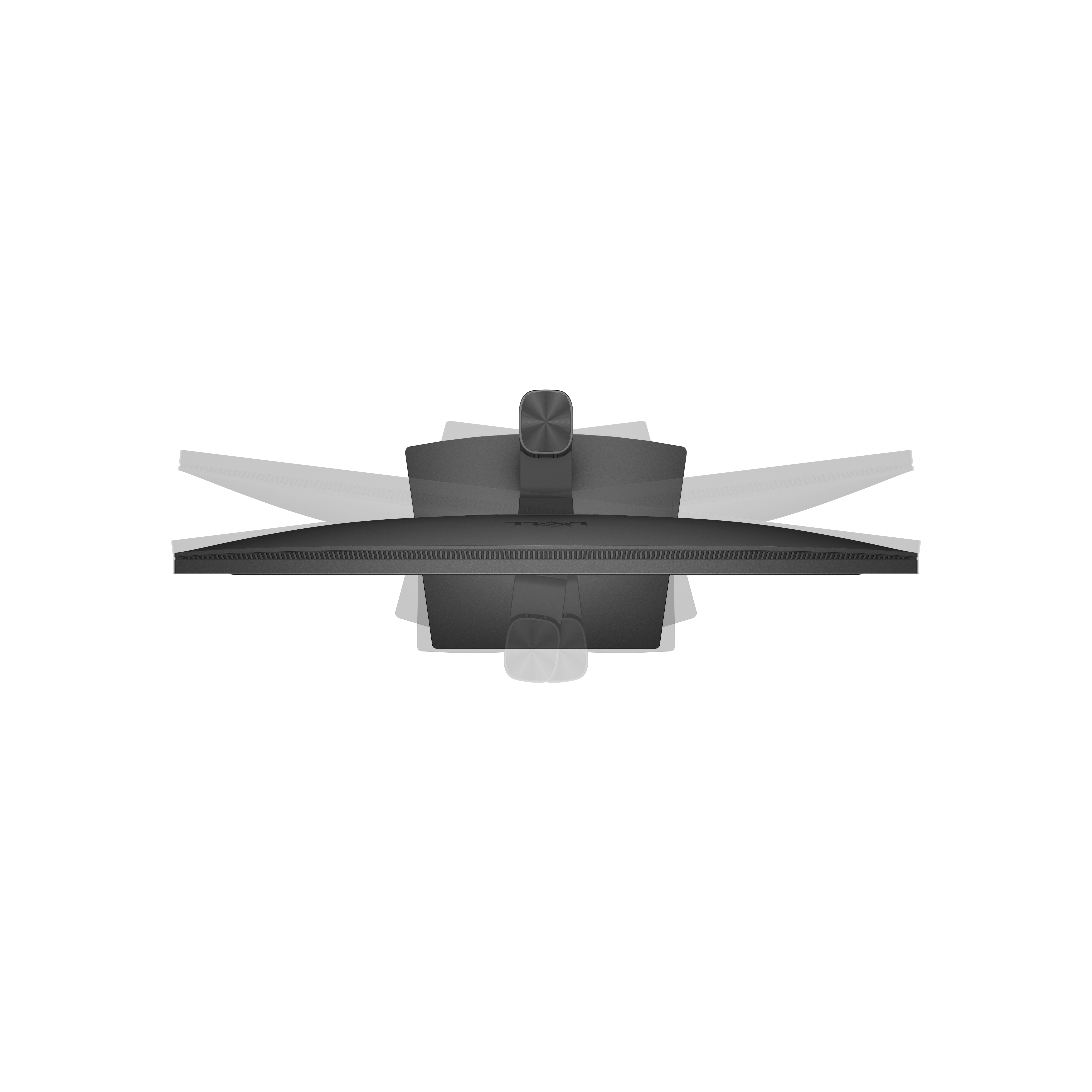
Swivel
Adjustment from -173° / +173°

Pivot
Bi-directional adjustment up to 90°
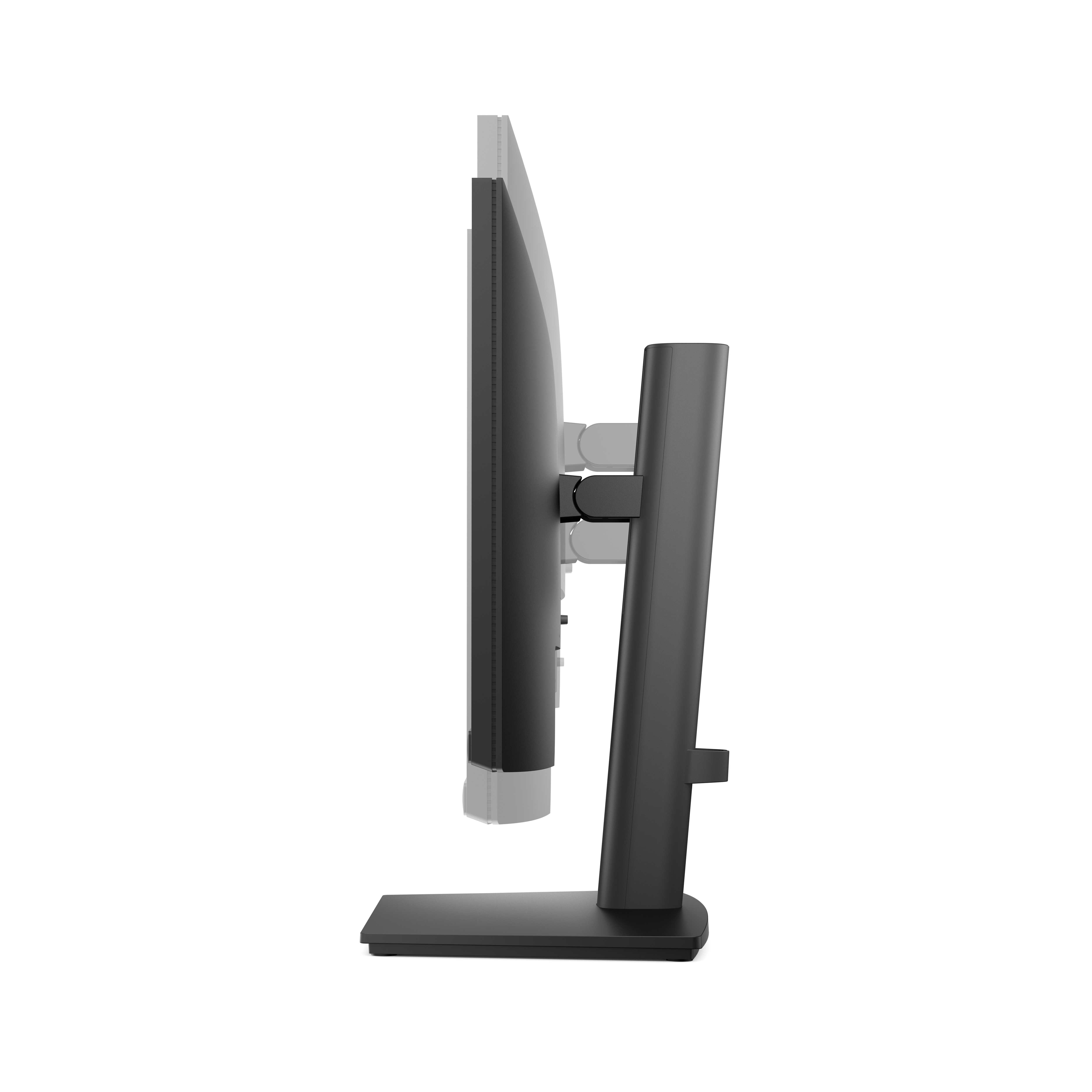
Height
Adjustability up to 130.00 mm (5.11 in.)
Dell Display and Peripheral Manager
Experience Dell’s singular, innovative application to optimise the performance of your entire Dell PC workspace.
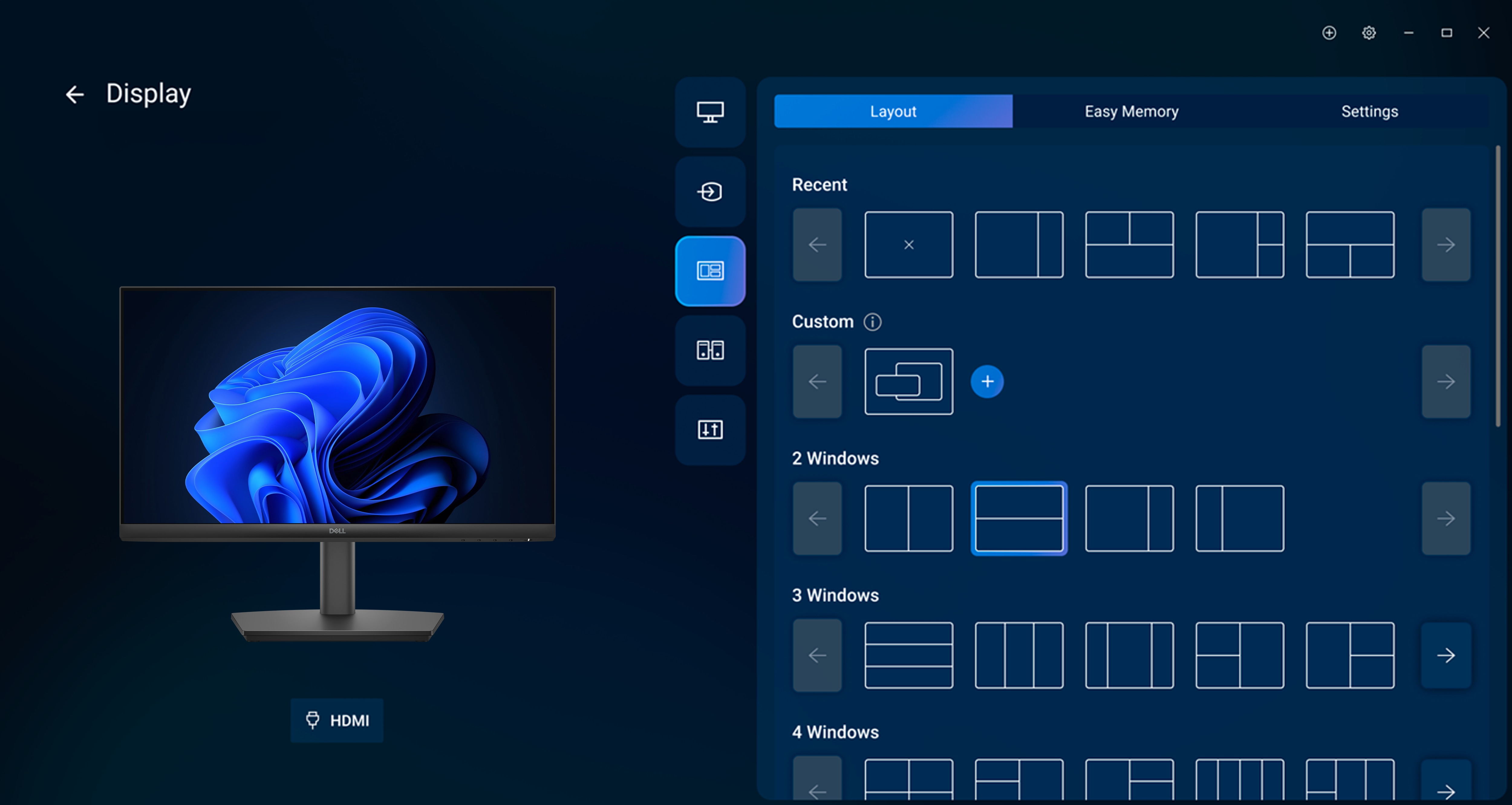
Maximise productivity
Easy Arrange tiles apps across screens with pre-set partitions and customises up to five windows, enhancing multitasking. Easy Arrange Memory saves and restores app profiles manually, on schedule, or at start-up.
Customise your views
Work comfortably, day or night. Automate your brightness and contrast settings to match your schedule.
More manageable
Save time and boost IT efficiency with the Dell Device Management Console to manage your Dell peripheral fleet at scale, from a single cloud-based console. Discover expanded Command Line Interface features from Dell Display and Peripheral Manager.
Disclaimer: Screen image simulated for illustrative purposes only. Monitor model may vary.
Easy Arrange tiles apps across screens with pre-set partitions and customises up to five windows, enhancing multitasking. Easy Arrange Memory saves and restores app profiles manually, on schedule, or at start-up.
Customise your views
Work comfortably, day or night. Automate your brightness and contrast settings to match your schedule.
More manageable
Save time and boost IT efficiency with the Dell Device Management Console to manage your Dell peripheral fleet at scale, from a single cloud-based console. Discover expanded Command Line Interface features from Dell Display and Peripheral Manager.
Disclaimer: Screen image simulated for illustrative purposes only. Monitor model may vary.

